How to Set Up IPTV on GSE via Remote Playlist?
On this page
In this tutorial, we are going to show you how to bring IPTV channels to your GSE SMART IPTV App. GSE is a comprehensive user-defined Advanced IPTV solutions for live and non-live TV stream. With a built-in strong player that supports most formats including M3U with options.
It is available in both Android and iOS devices.
We will set IPTV in GSE App using Remote Playlists here, also there is another way to set IPTV in GSE App.
How to setup IPTV on GSE via Xtream-Codes API?
You can download this app via the link below:
Android devices:
https://apkpure.com/gse-smart-iptv/com.gsetech.smartiptv
iOS:
https://itunes.apple.com/us/app/gse-smart-iptv/id1028734023?mt=8
How to add IPTV channels to GSE
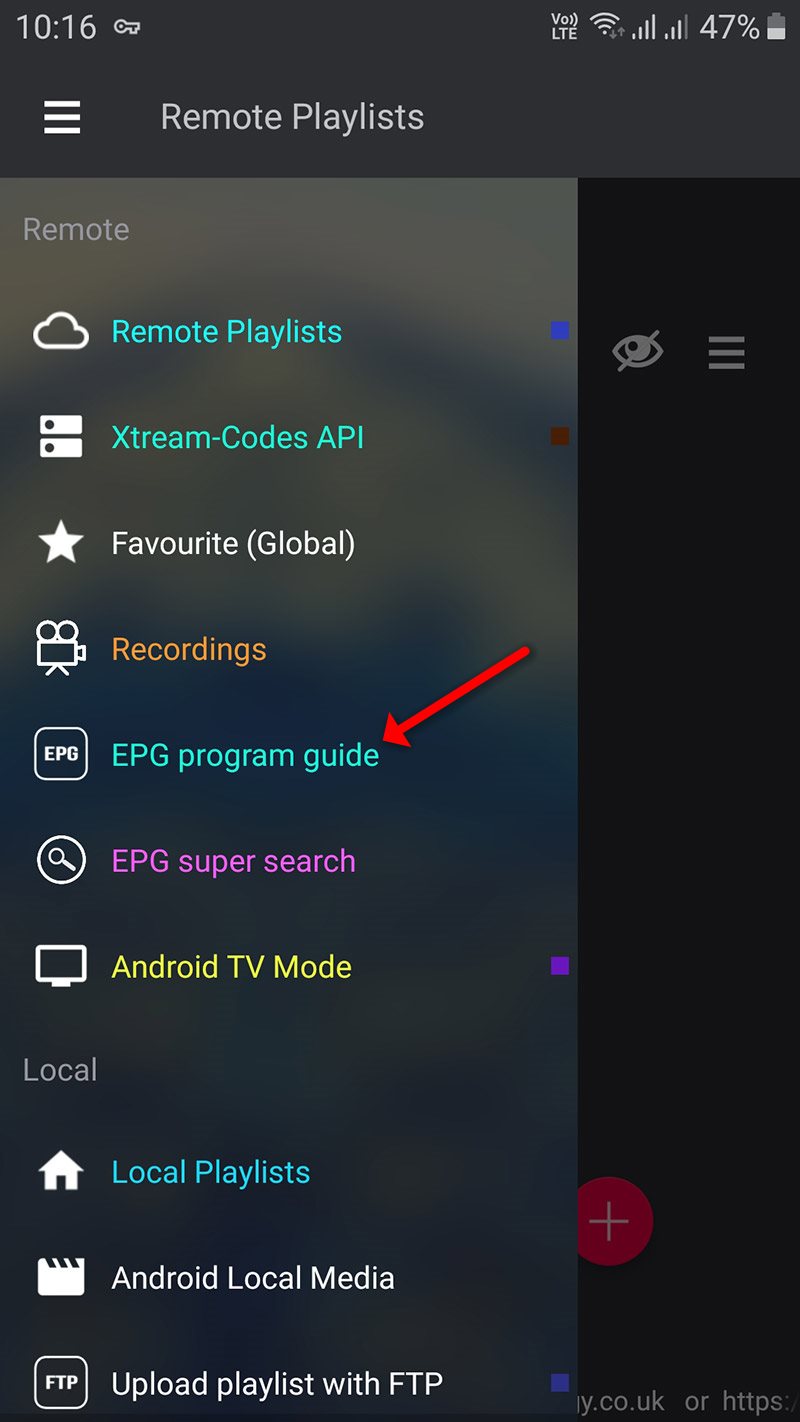
Step 1Start by downloading the GSE IPTV App from Google Play Store and in the menu click on Remote Playlist.
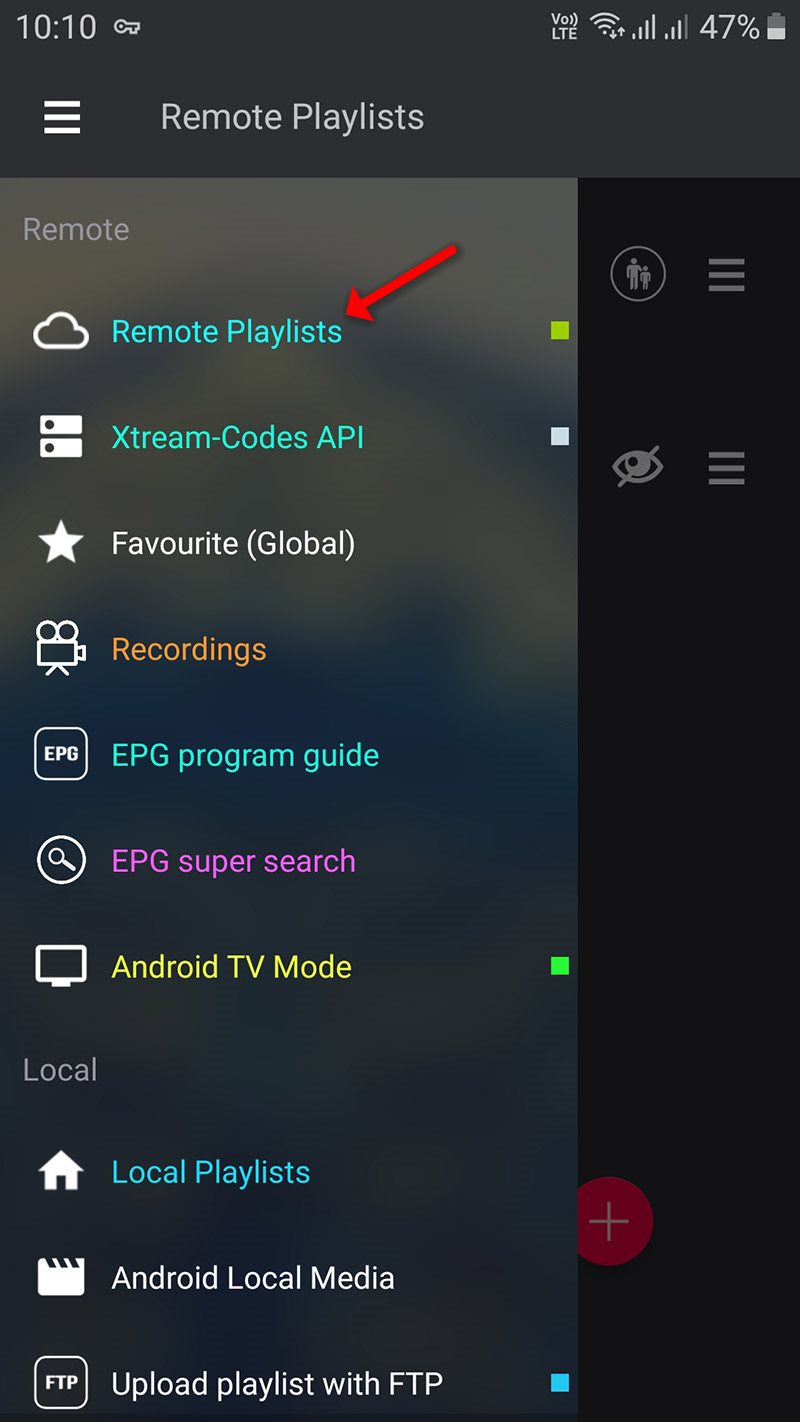
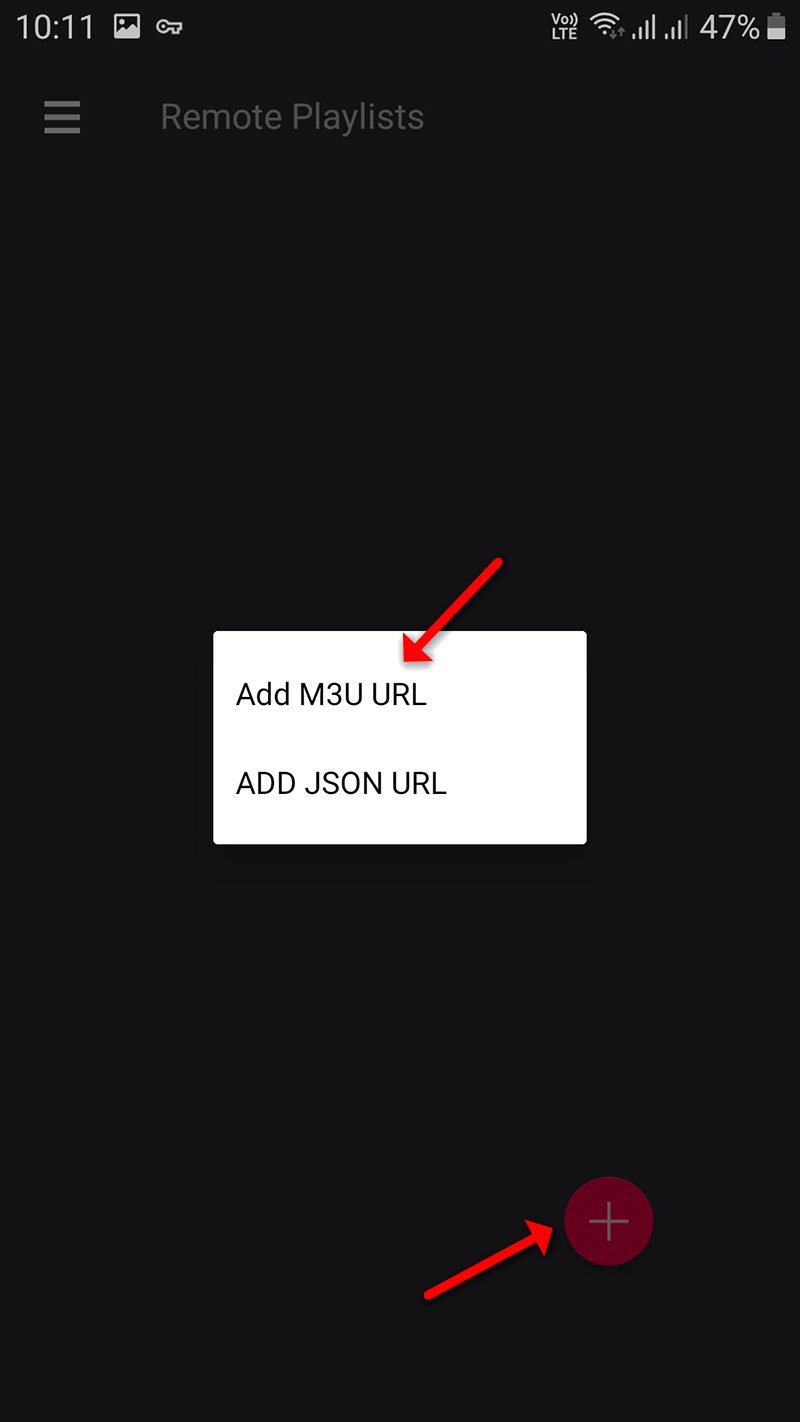
On down right corner click on the red circle, then Add M3U URL.
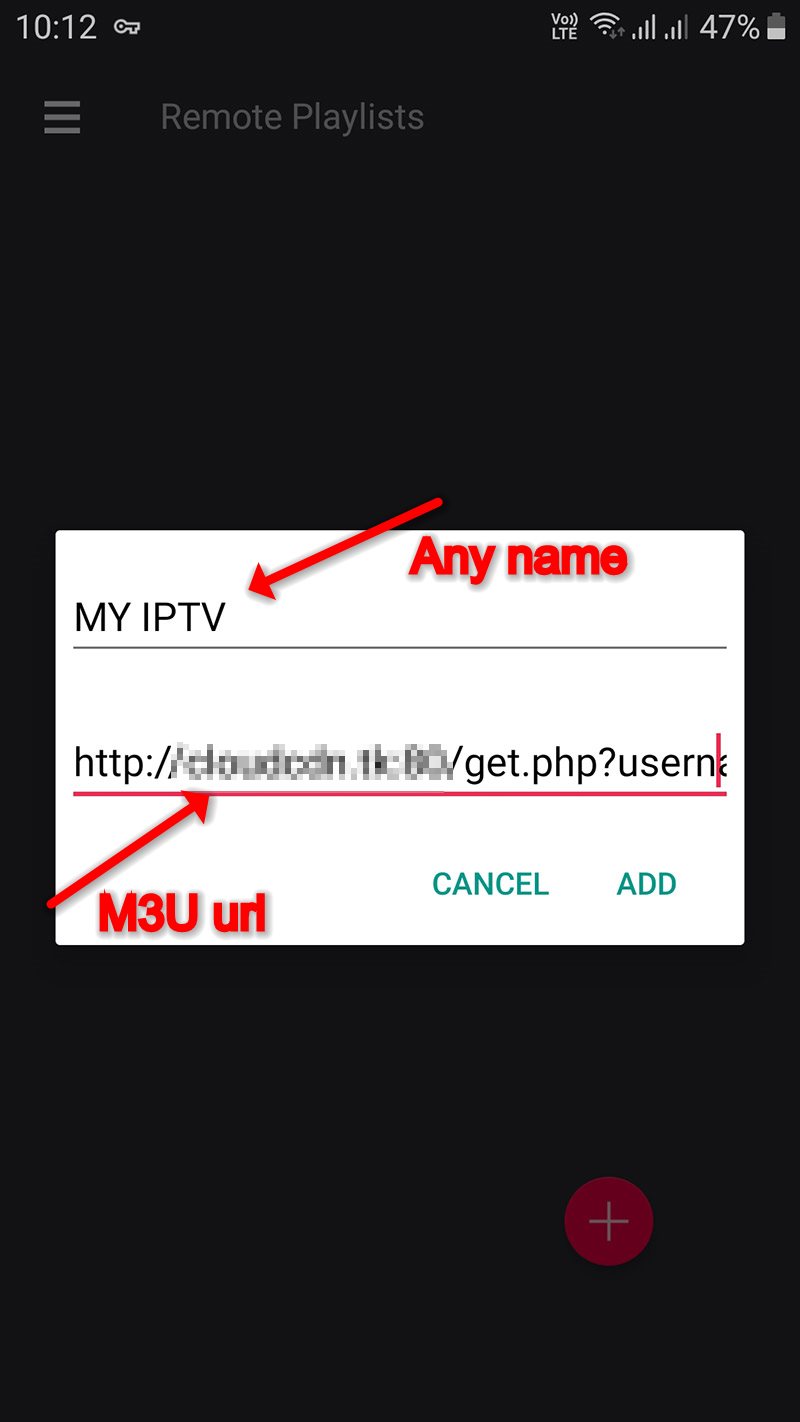
Step 2Now select a name for your playlist and paste your M3U URL and click on “ADD“.
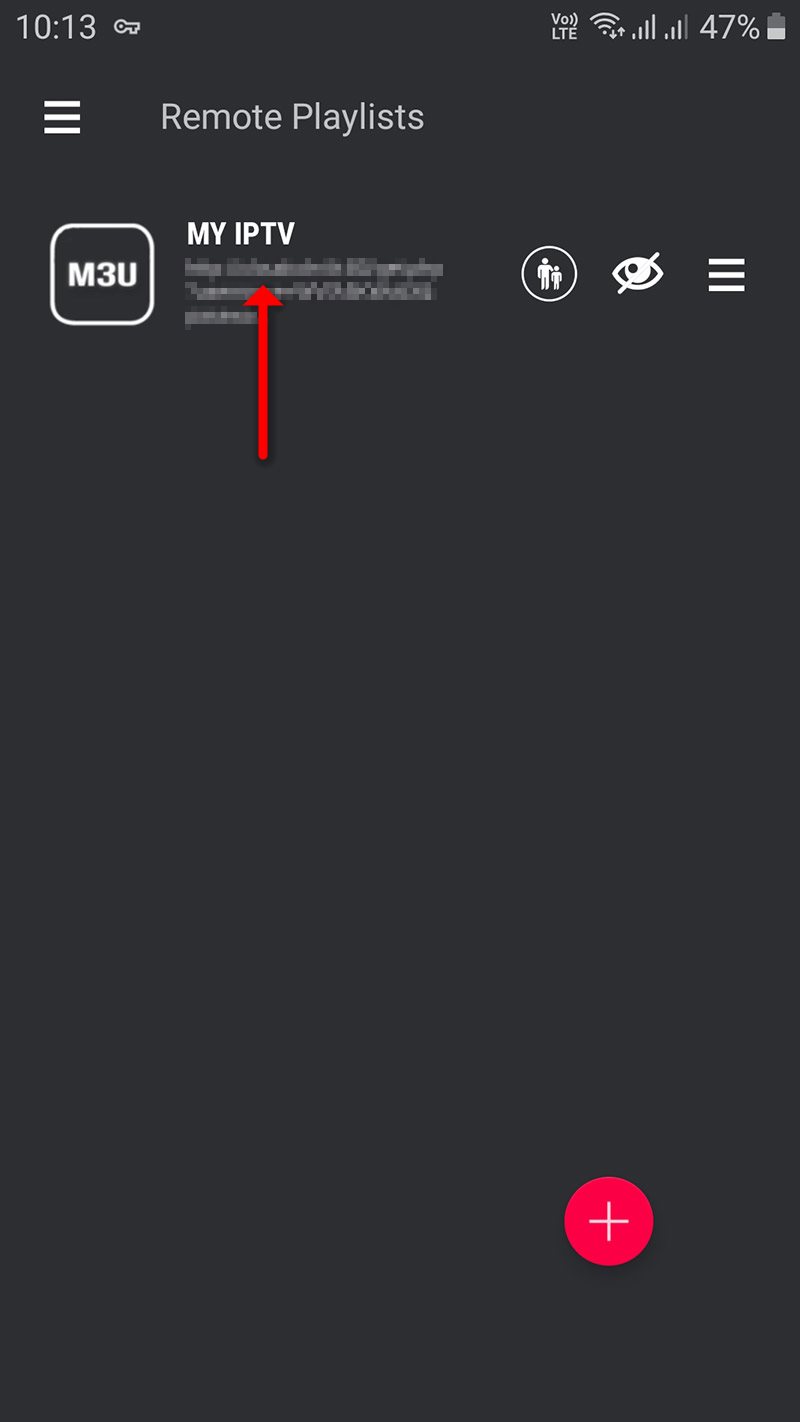
Step 3Now click on the playlist you just added in order to the see the channel groups.
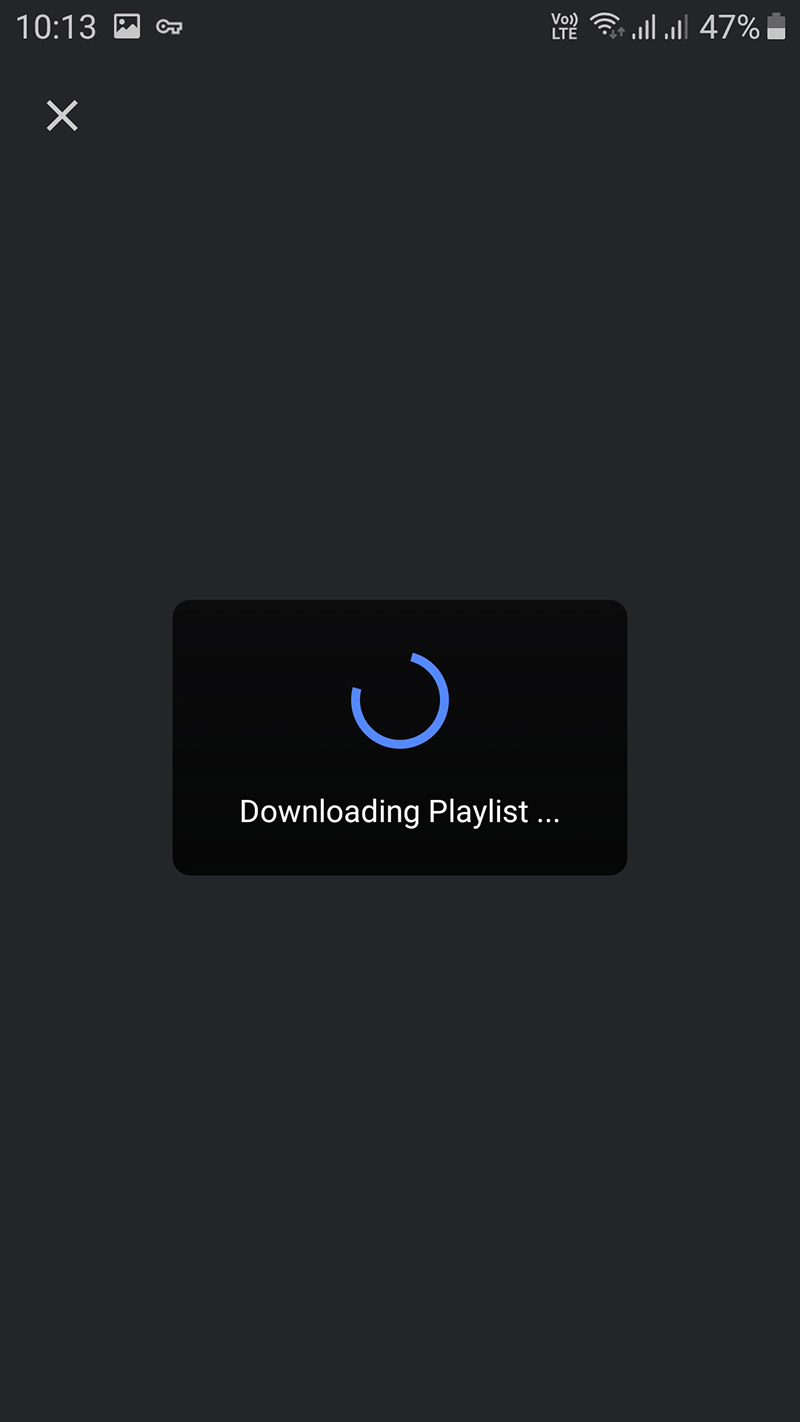
Step 4Now wait for the channels to be added to your application and this might take a little time depending on which countries or channels groups your M3U file contains.
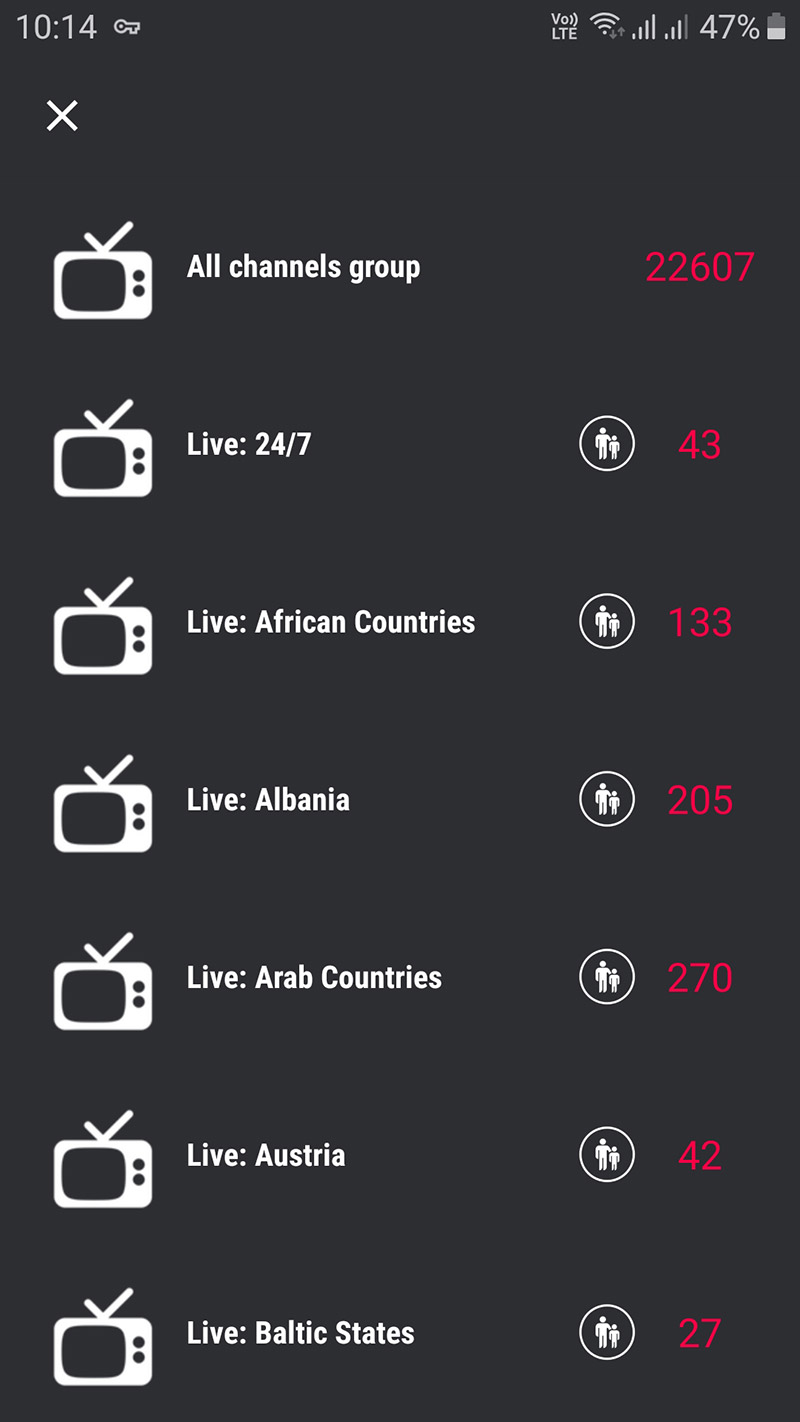
Step 5Now select the channel that you want to watch and click on “Play“.
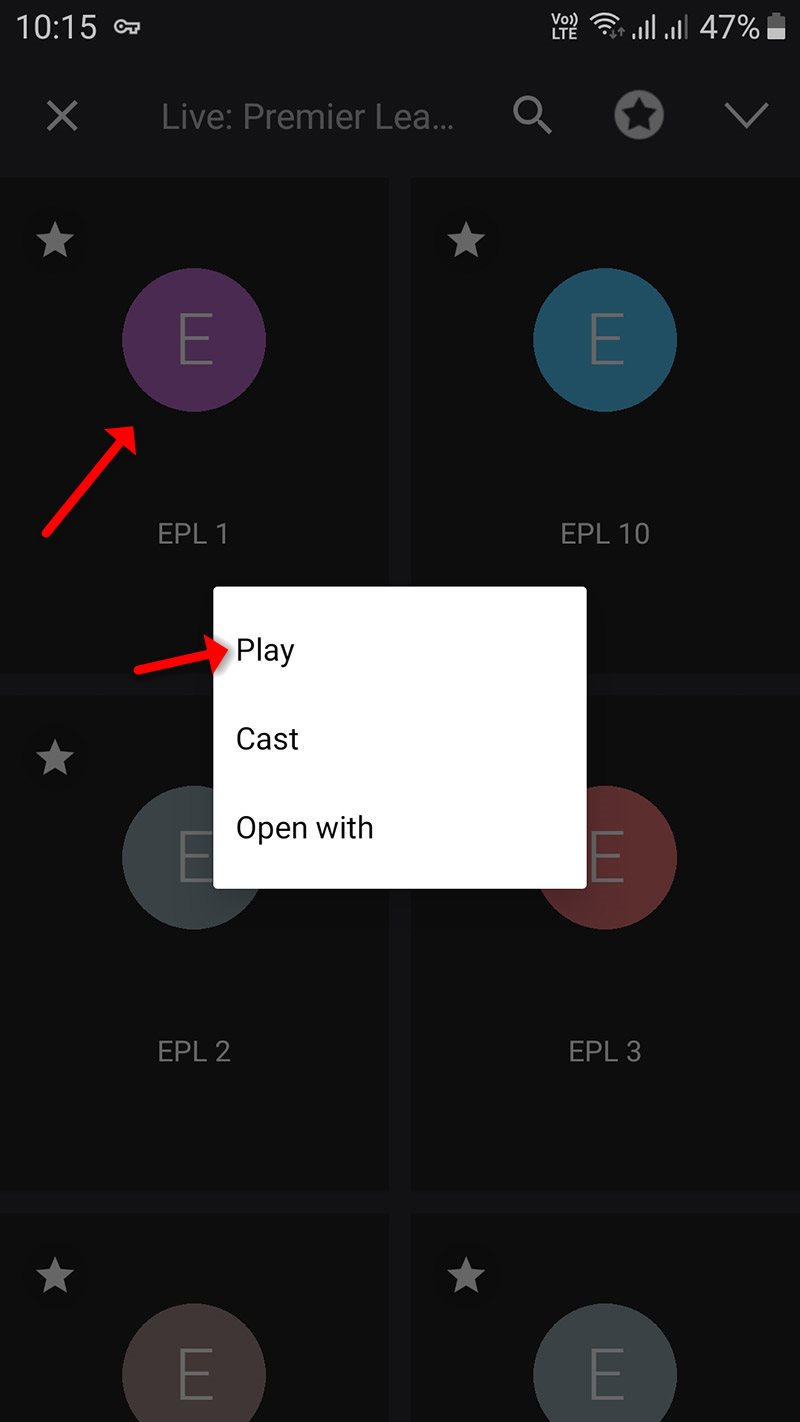
Now you GSE Android app is ready for streaming IPTV channels on your Android device.
Features
- Chromecast
- XTREAM-CODES API
- API support automatic live and VOD playlist including EPG and movie info.
- EPG XMLTV FORMAT (local and remote file support, XML, zip, gzip formats)
- Parental control
- Copy and paste M3U contents
- Dynamic language switching (31 LANGUAGE)
- Multiple themes
- Built-in player support all popular formats including RTMP tokens
Live stream IPTV support
✔ HTTP, HSL, M3U8, MMS, RTSP and more
✔ RTMP support all options including secure tokens
Did this guide work for you?
Thanks — your feedback helps us keep this guide accurate.