How to Set Up IPTV on MAG with M3U URL?
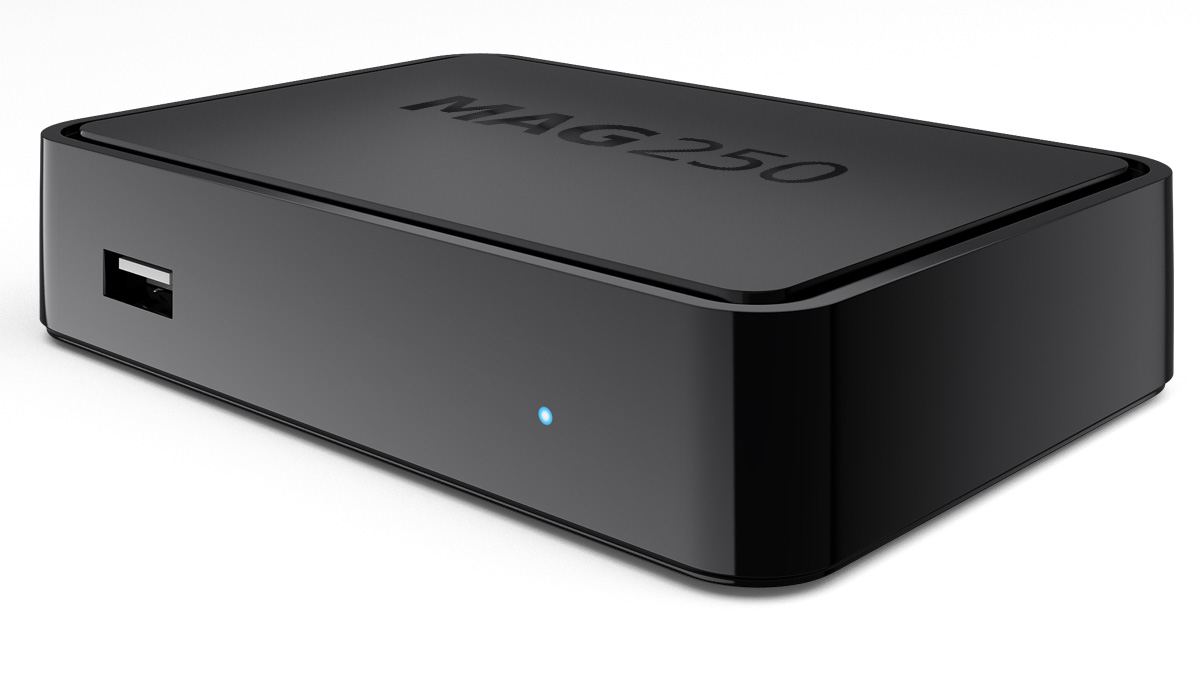
This tutorial, we are going to show you how to bring IPTV channels to your MAG 4XX and 5XX ( MAG410, MAG420, MAG425, MAG500, MAG520, MAG524 and etc) device.
Note: IPTV providers do not support MAG 4XX and 5XX with portal system and this setup is the alternative solution to bring IPTV to your MAG box.
How to setup IPTV on MAG Box with Portal?
How to use M3U url to setup IPTV MAG
Step 1Download the M3U url which provided by the IPTV provider.
Step 2Copy/paste this static M3U file to a USB storage.
Step 3Insert the USB storage to your MAG.
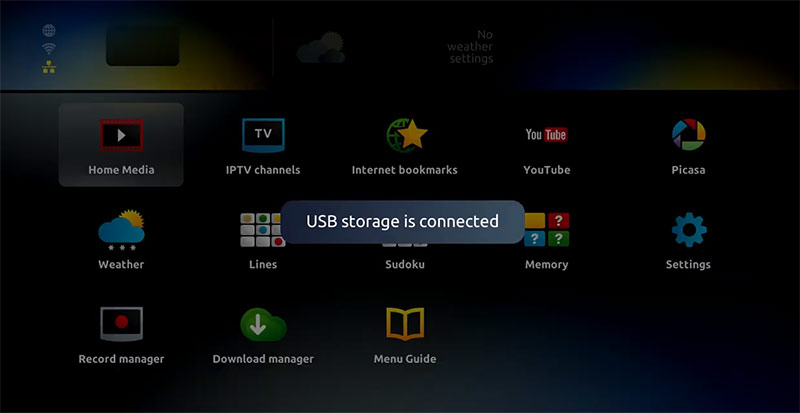
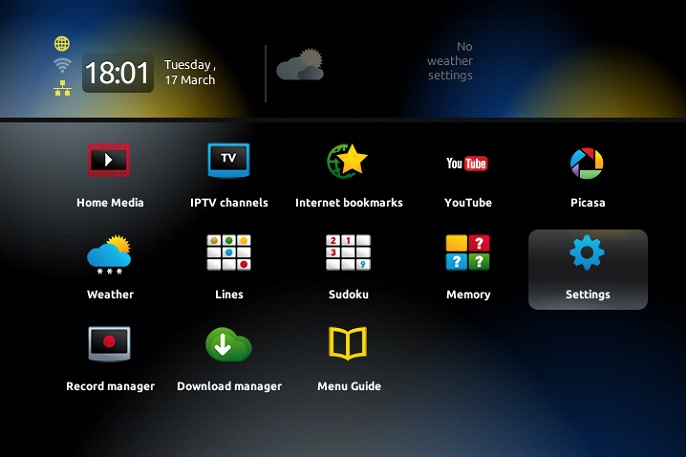
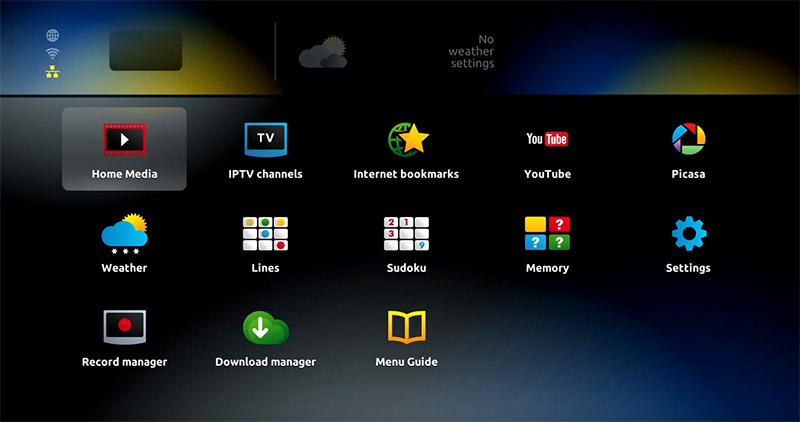
Step 4Once mag box shows the login screen click on embedded portal.
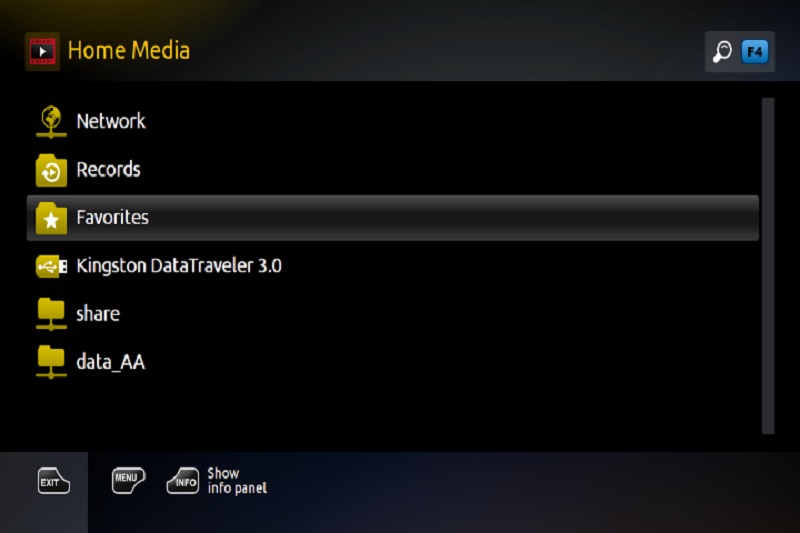
Step 5Click on Home Media.
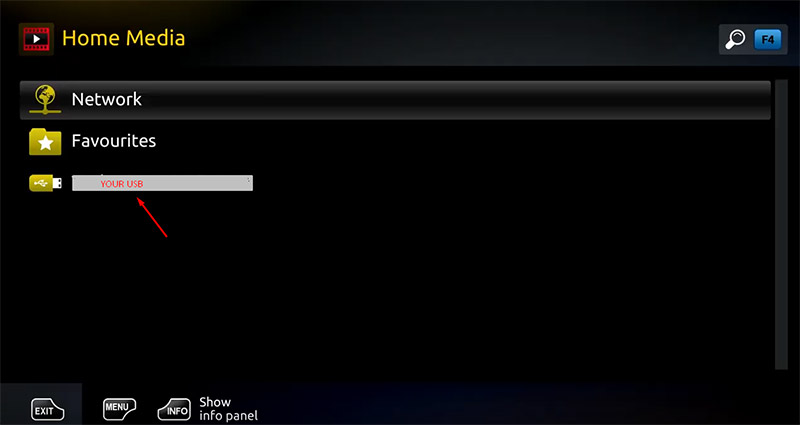
Step 6Scroll down and click on your USB.
Step 7Find and click on the M3U file in the USB storage.
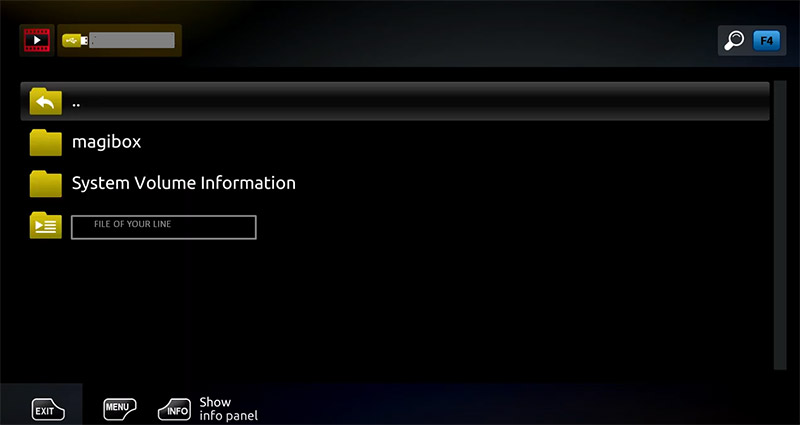
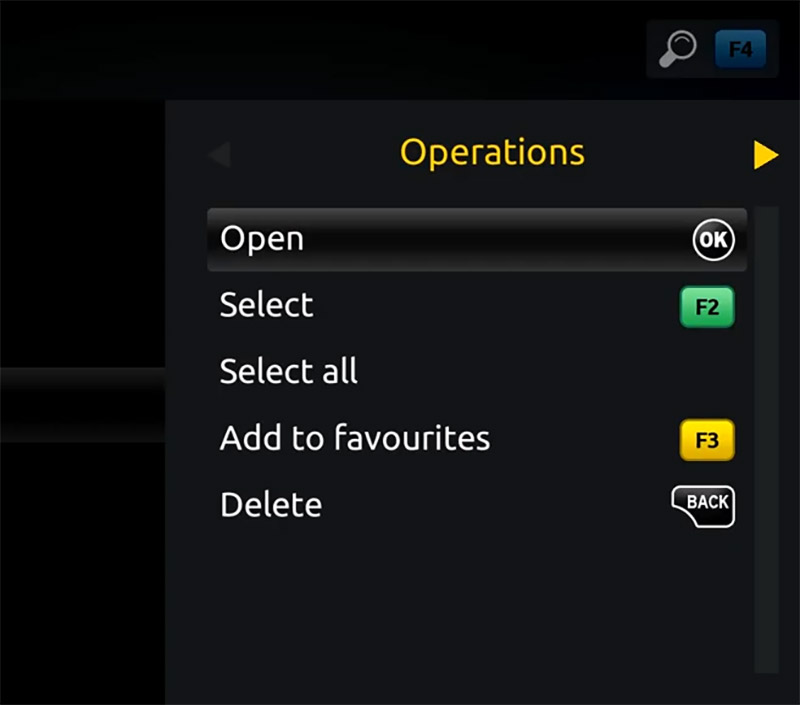
Step 7Click “Open”.
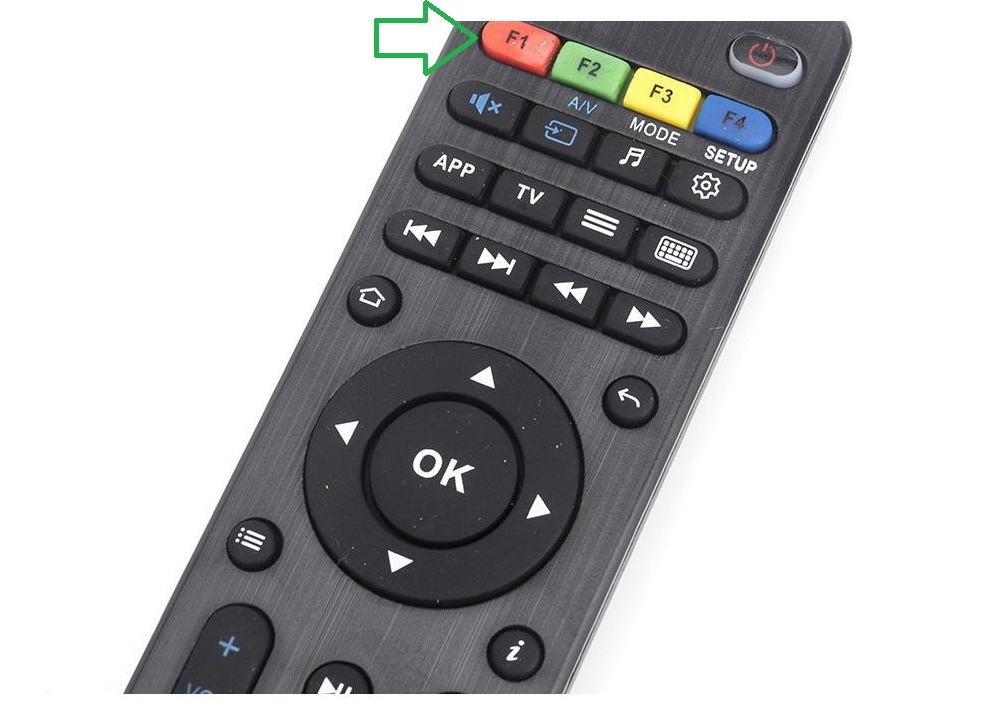
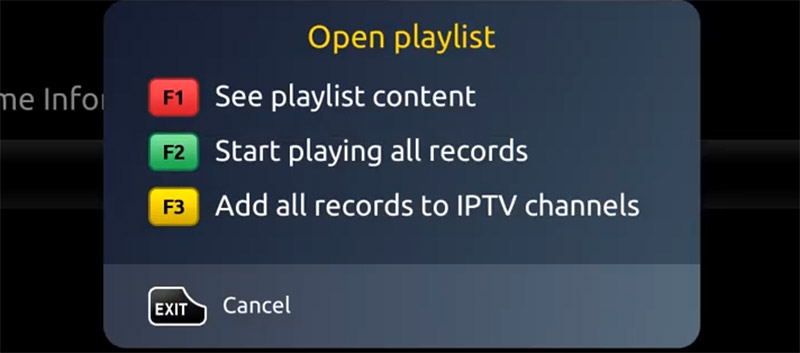
Step 8A window will appear saying *Open playlist* , Now use F3 (yellow button on remote).
Step 9The m3u file is added to the IPTV section of the Home Media section.
Step 10Use “Back” button to return to the portal page and to “IPTV channels”
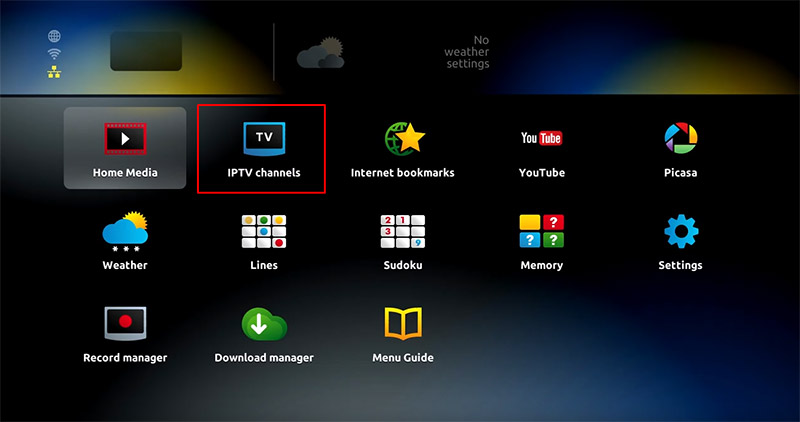
Now everything is ready to start watching Live TV…
Did this guide work for you?
Thanks — your feedback helps us keep this guide accurate.