Do I Need Satellite for Using IPTV?
IPTV can be played by connecting your device to the Internet, therefore it does not need for satellite, receiver or any kind of…
Free step-by-step guides with real screenshots
Step-by-step guides with screenshots for smart TVs, set-top boxes, sticks, consoles, phones and computers.
Popular:MAG portalFirestickSmart TVTiviMateBufferingM3U URL
Start here
See exactly which button to press, on the same screen you have.
Smart TVs, MAG, Fire TV, Android, iPhone, PC, Xbox and PlayStation.
Buffering, portal errors and M3U problems, explained in plain English.
Every guide is free to read. We do not sell or stream TV content.
Featured

NUMBER ONE IPTV PROVIDER IN THE WORLD Watch more than 16,000 channels from over 92 countries, plus 100,000 on-demand titles. Fast, stable and without freezing.
Start Free Trial Advertising spaceYour IPTV service hereReach readers who are choosing an IPTV service right now. Real, human readers Country targeting Live reportSee placements & pricesHow it works
Choose the TV, box, stick, phone or computer you want to watch on.
Numbered steps with screenshots: add your M3U link, Xtream login or portal.
Stuck? Our troubleshooting guides fix buffering and login errors.
Knowledge base
38 guides
33 guides
8 guides
5 guides
87 guides
14 guides
Trending
Fresh
IPTV can be played by connecting your device to the Internet, therefore it does not need for satellite, receiver or any kind of…
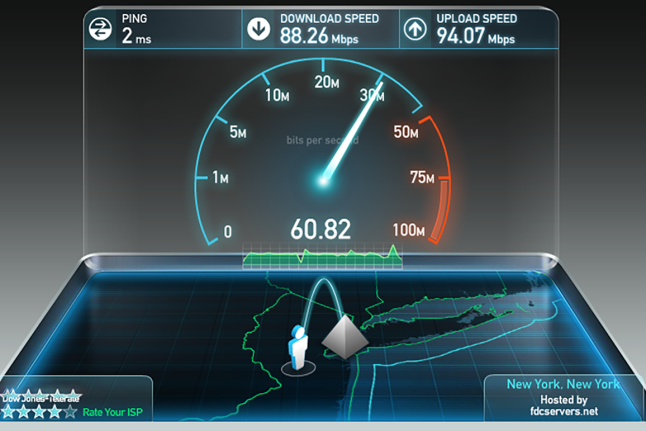
Generally, this depends on the coding format of streaming.
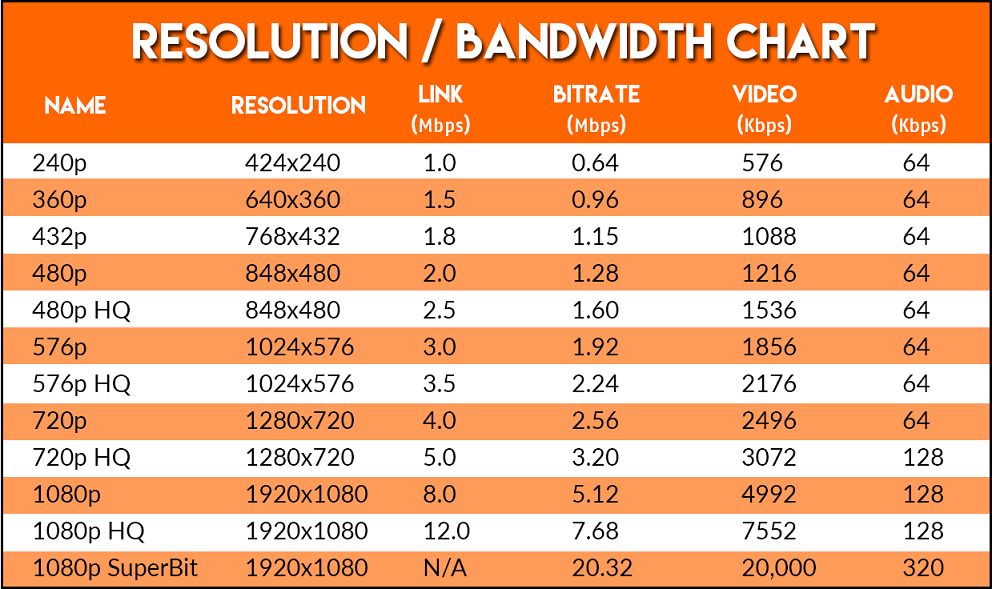
Although it depends on the quality of channels, watching IPTV for one hour is roughly equal to download a video file with one…
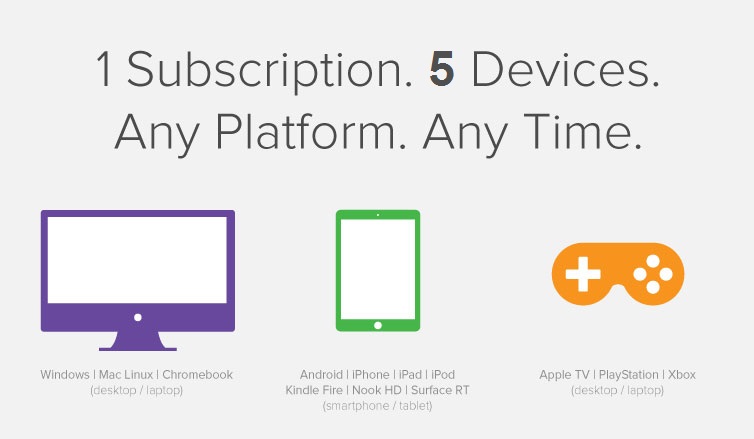
Using multi-device on 1 account will lead your subscription (line) to be blocked by which the stream will stop playing.
FAQ
Put your brand in front of readers who are setting up IPTV right now: homepage, guide sidebars and the Advise Best IPTV Provider section with your own profile page.
Guaranteed impressions in your target countries — or we extend your campaign for free.
No setup guide matches that name. Ask us to write one.
Free · no app store · under 1 MB
Tap the menu at the top right of Chrome
Tap Install app or Add to Home screen
Tap Install to confirm
Tap the Share button in the toolbar
Scroll down and tap Add to Home Screen
Tap Add at the top right