 MainIPTV Provider
 How to Add Channels to Favorite List on MAG?
Works onMAG Box
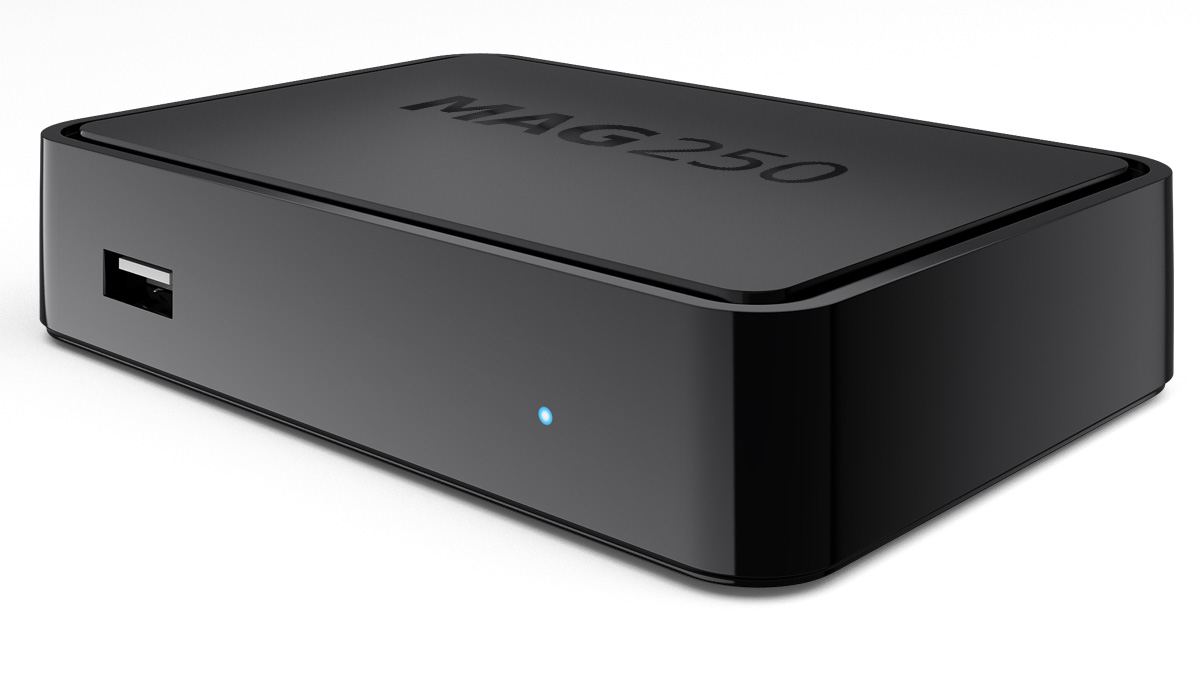
In this tutorial, we are going to show you how to add IPTV channels to your favorites list on MAG device. The Favorites feature presents STB users with the capability to instantly access pre-selected IPTV channels on the MAG box. What is MAG?
How to add channels to favorites
Channels selection to Favorites may be fulfilled from the next:
- from channel list of IPTV channel window;
- from m3u-playlist on a USB drive or Network resources – its shortcuts are located in Home media.
To add a particular channel of IPTV playlist window to Favorites:
- Select the channel.
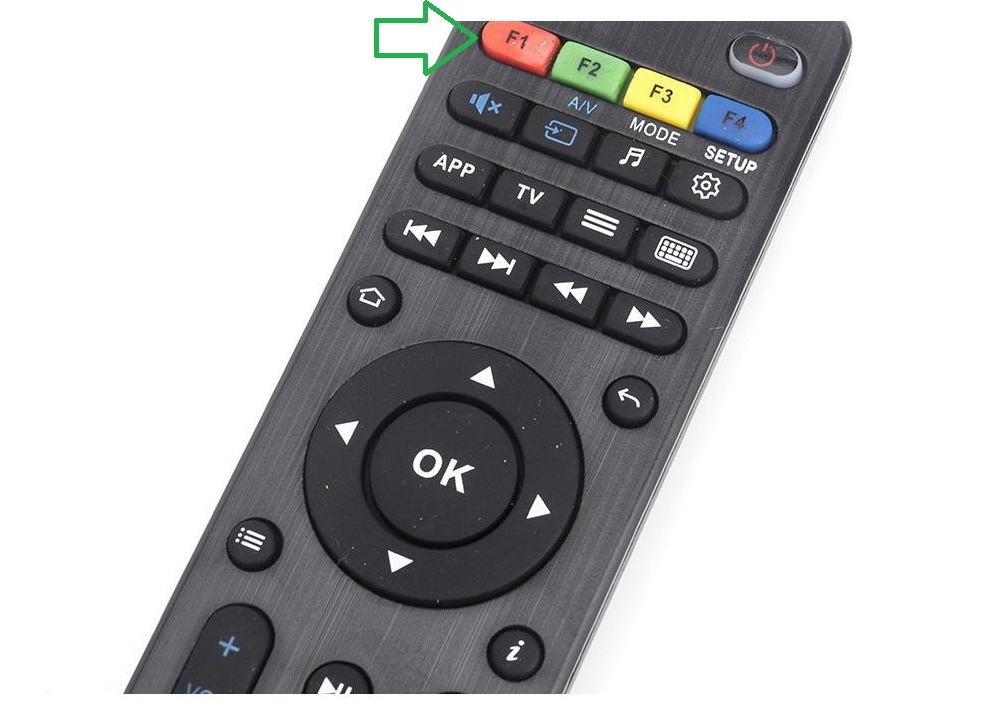
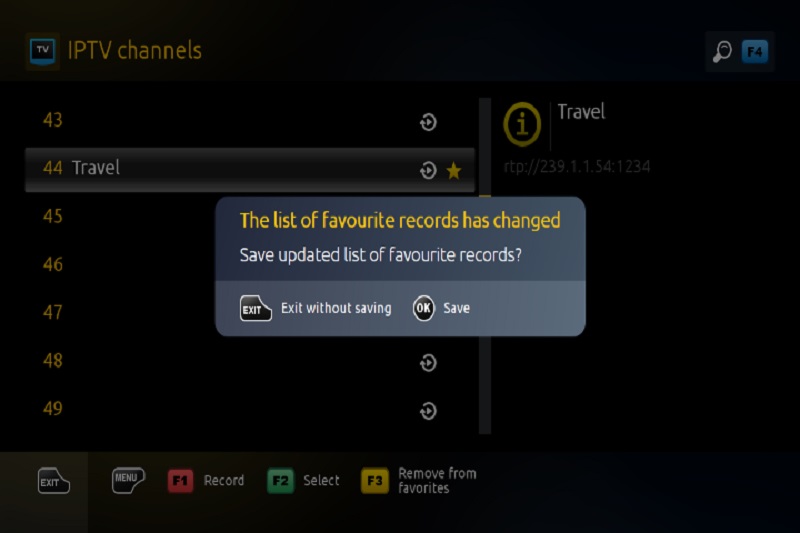
- Via pressing F3 button on the remote control, select the channel – it marks in the list by a star.
- Go to the next channel and identify it in the same way as explained above.
- Furthermore, mark all the channels you need to be added in Favorites.
- When exiting this section, the system reports that the Favorites list has changed.
- After confirm to save (OK on the remote), the selected channels are permanently added to Favorites.
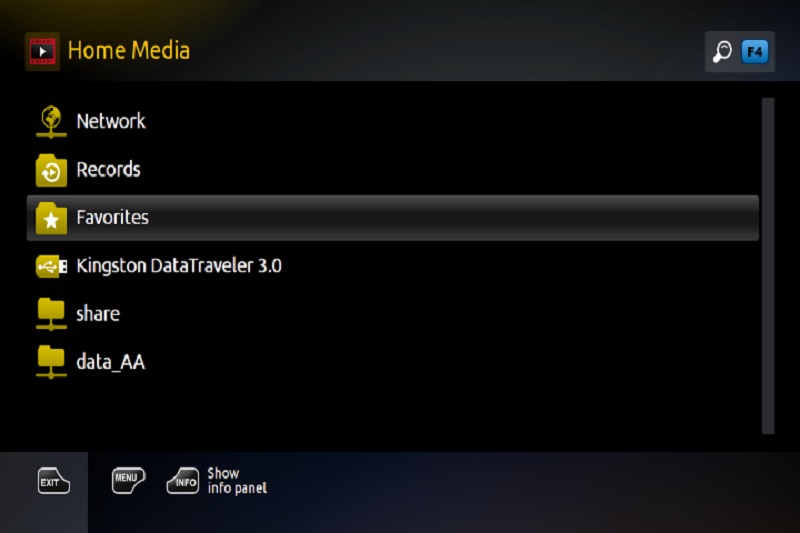
How to access the Favorites
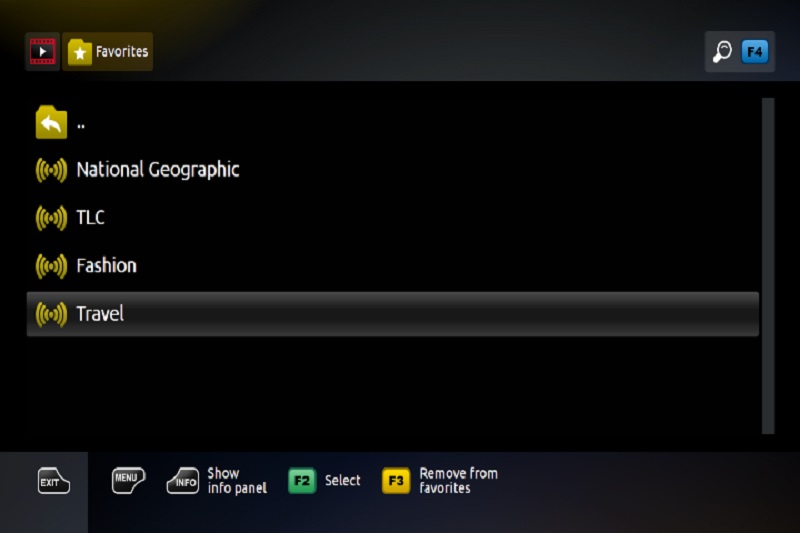
Added to Favorites channels, become available from Home media.
Did this guide work for you?
Thanks — your feedback helps us keep this guide accurate.