 MainIPTV Provider
 How to Use M3U URL on Roku?
Roku is a Media Streaming Box by which users can easily stream and watch movie, music, TV series on their TV screens. It can be connected to the Internet by both WiFi or Ethernet cable. Since Roku streams the videos in full HD quality, it demands a strong Internet connection. How much Internet data do I need to run IPTV?
In this tutorial, we will show you how to use an M3U URL on Roku. What is M3U?
How to add a list from a URL
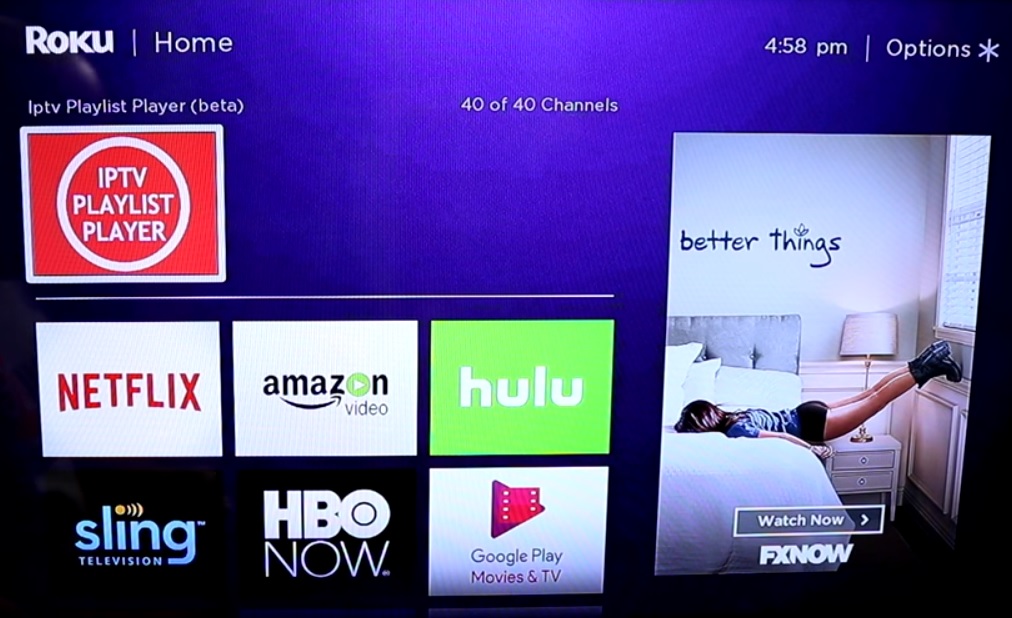
Step 1Start by downloading the M3U playlist player from the Roku online store.
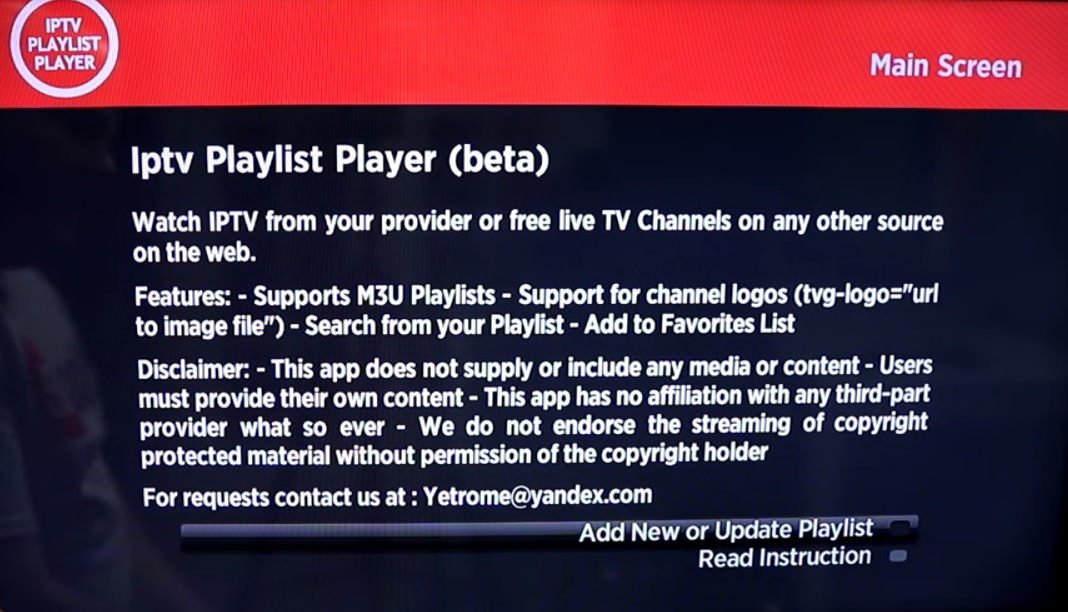
Step 2Now click on “Add New or Updated Playlist“.
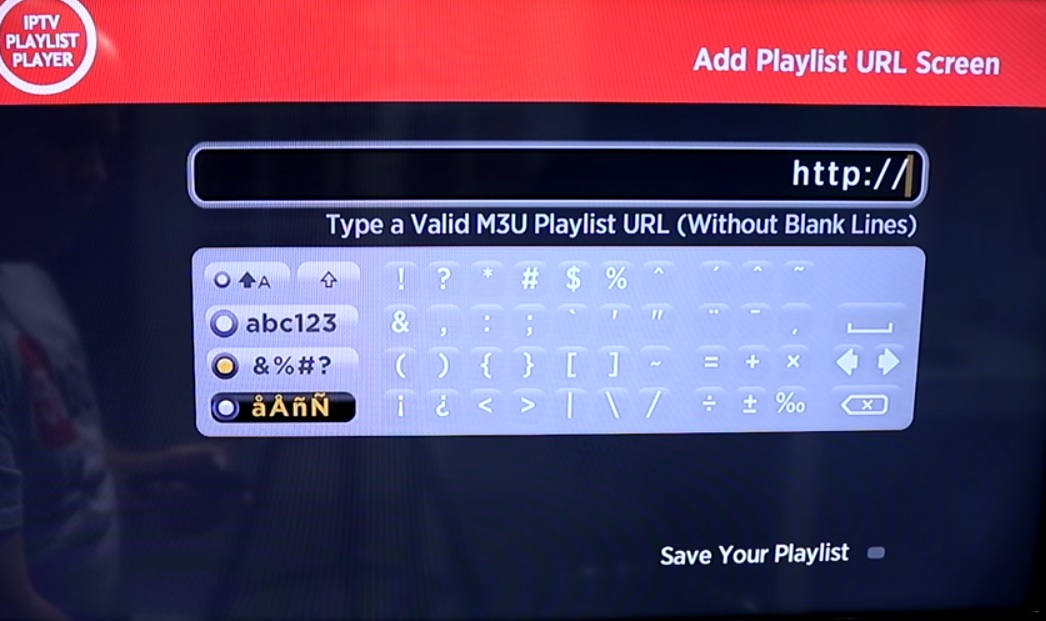
Step 3Enter your M3U URL and click on “Save Your Playlist“. You can get your M3U URL from an IPTV distributor.
Step 4Depend on your M3U playlist, it might take a couple of minutes before your playlist gets fully loaded.
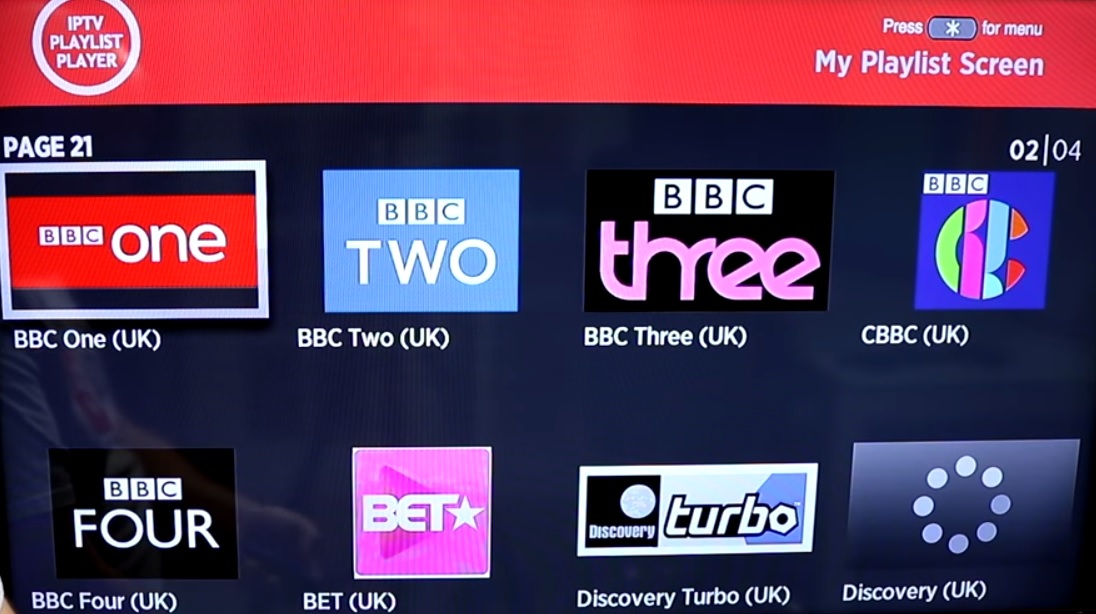
Now your M3U playlist is fully loaded and you can start watching TV by selecting any channel.
Let us know in the comments section below about your opinion and feedback concerning this article. Thank you in advance.
Did this guide work for you?
Thanks — your feedback helps us keep this guide accurate.