





Common MAG Box Problems & How to Fix Them (STB Blocked, Page Errors, Loading Issues)
MAG boxes are widely used for IPTV streaming, but like any device, they can occasionally run into issues. The most common problems include:
-
❌ STB Blocked / Black Screen
-
⚠️ Page Loading Error
-
⏳ Loading Bar Stuck
In this troubleshooting guide from iptvhelpcenter.net, we’ll help you diagnose and resolve these errors step by step.
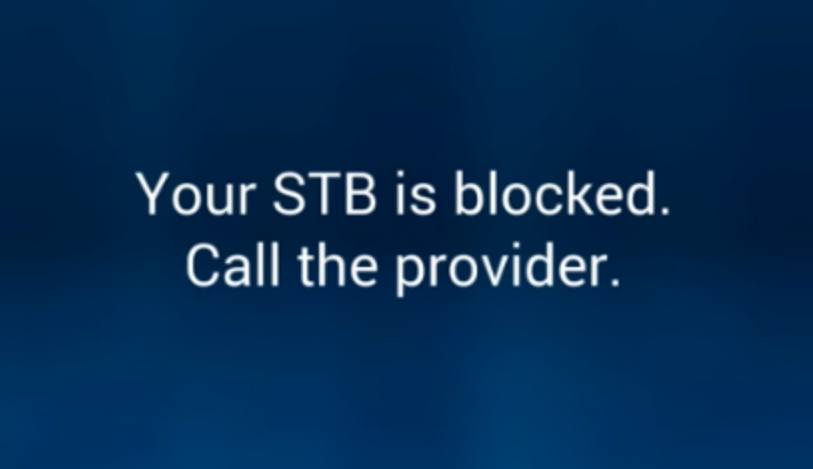
❌ STB Blocked / Black Screen on MAG Devices
This is one of the most common issues MAG users face. It may appear as a black screen or a “STB blocked” message. Here are the main reasons this happens and how to fix them:
🔹 MAC Address Not Added or Removed
Your MAG device has a unique MAC address that must be linked to your IPTV subscription.
You can find it on the back of your device.
-
If your IPTV provider offers a dashboard, use it to check if your MAC is active.
-
If no dashboard is provided, contact your provider directly to verify registration.
Learn more here: What is the MAC address on MAG?
🔹 Wrong MAC Address Entered
Entering even one incorrect character when registering your MAC address can cause this error. Always double-check your MAC from the sticker on the back of your device and ensure it matches what’s entered on your provider’s platform.
🔹 Expired IPTV Subscription
An expired IPTV line will instantly block access, showing the STB Blocked screen.
Log in to your IPTV dashboard and check the status of your subscription. Renew it if necessary.
🔹 Line Disabled for Multi-Device Use
If you’ve tried using your IPTV subscription on more devices than allowed, your provider may disable the line. Reach out to your provider for help.
🔹 ISP Blockage
Some Internet Service Providers (ISPs) block IPTV portals. You can test this by using a different internet source (e.g., 4G hotspot).
If confirmed, your best option is to use a VPN router, as MAG boxes don’t support direct VPN installation.
🔹 Incorrect Portal Address
If the portal URL entered in your MAG box settings is incorrect, you will get a black screen or blocked message.
Verify the correct URL with your IPTV provider and update it on your device.
Need help? Read: How to Change Portal Address on MAG
⚠️ Page Loading Error
This error is often related to an unstable or missing internet connection. Here’s how to troubleshoot it:

✅ Check Ethernet Connection
-
Ensure the Ethernet cable is securely connected between your router and the MAG box.
-
Look for the LAN light on your router — it should be on.
-
On the MAG box itself, the Ethernet port should show two lights: one orange, one green.
If any of these lights are off, try replacing the Ethernet cable.
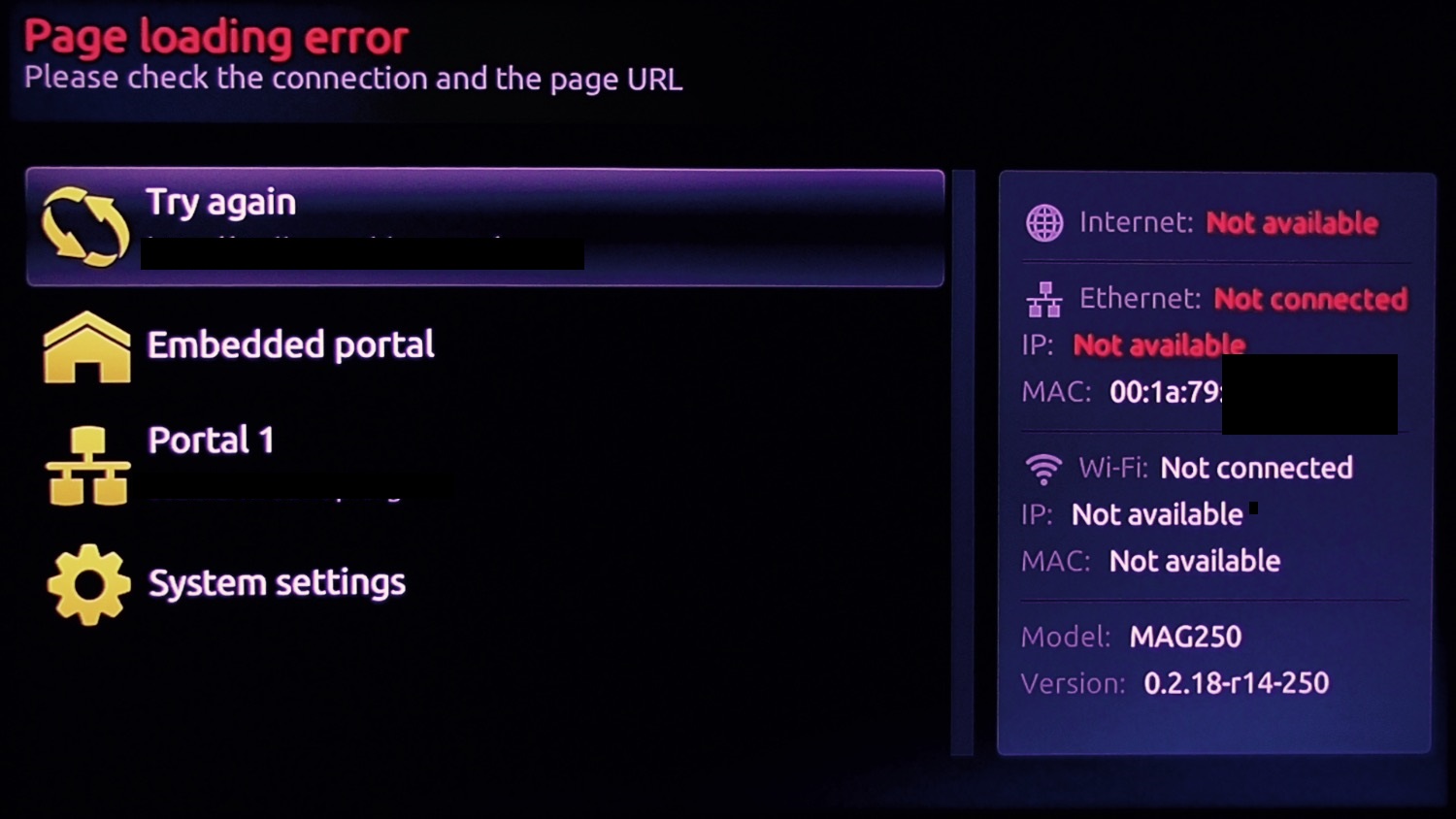
🔌 Power Cycle Devices
If the lights are on but the issue persists:
-
Unplug both the router and the MAG box.
-
First, plug in the router and wait two minutes.
-
Then reconnect the MAG box’s power cable.
🏠 Using Powerline Adapters?
If your MAG and router are in different rooms, check the powerline adapter lights. If they’re off, reboot both adapters, then the MAG box. Also, ensure the LAN light on the adapter is on.
⏳ MAG Box Stuck on Loading Bar
If your MAG box gets stuck on the loading bar during startup, it can usually be resolved by:
-
Rebooting both your router and MAG box
-
Ensuring your internet connection is stable
Developed by iptvhelpcenter.net
