





Ultimate Guide: How to Set Up IPTV Extreme Pro
IPTV Extreme Pro is one of the most powerful IPTV players for Android, offering advanced features like Chromecast support, parental controls, and EPG management. This guide will walk you through the setup process in simple steps.

📲 Download Options
-
Free Version: Google Play Store
-
Pro Version: Google Play Store
⚡ Quick Setup Guide
-
Install the app from Google Play Store

-
Open the app and tap the three-dot menu (⋮)

-
Select “Playlists” → “Add Playlist


-
Choose “File or Link to Playlist”

-
Enter a name and your M3U URL (What’s M3U?)

-
Wait for the playlist to load (may take a few minutes)


-
Select your playlist and start streaming!

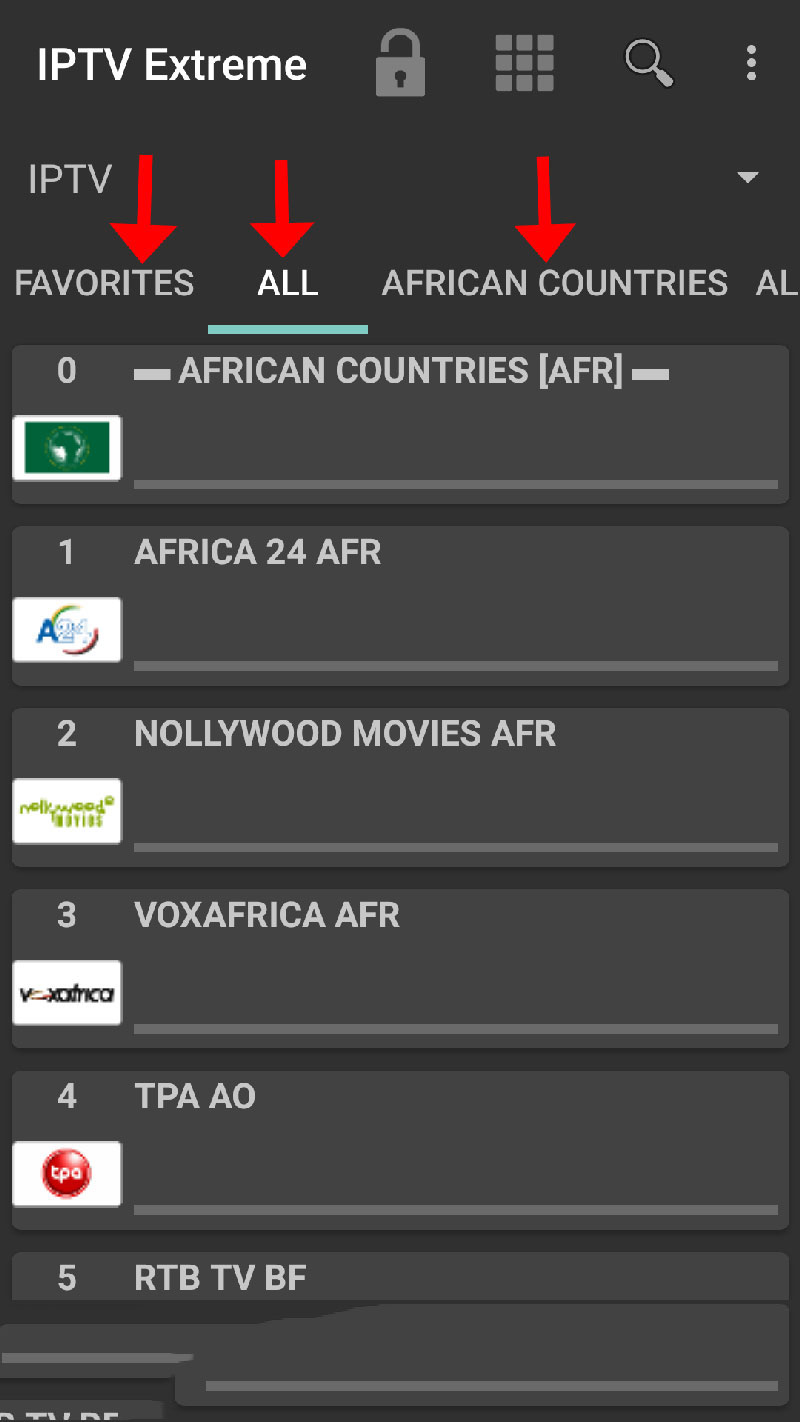
🌟 Key Features
✔️ Advanced EPG support with auto-update
✔️ Parental controls for family-friendly viewing
✔️ Chromecast compatibility (Beta)
✔️ Recording function for live TV
✔️ Multiple themes (10+ options)
✔️ Picons support in various sizes
🔧 Pro Tips
-
Use the backup/restore function to save your settings
-
Explore the timer management for scheduled recordings
-
Try different themes to customize your viewing experience
💬 We’d love to hear from you!
Have questions or feedback? Share your thoughts in the comments below. Your suggestions help us improve! 💬👇
Developed by iptvhelpcenter.net
