





How to Set Up IPTV on Formuler Z11 via MyTVOnline 3 App
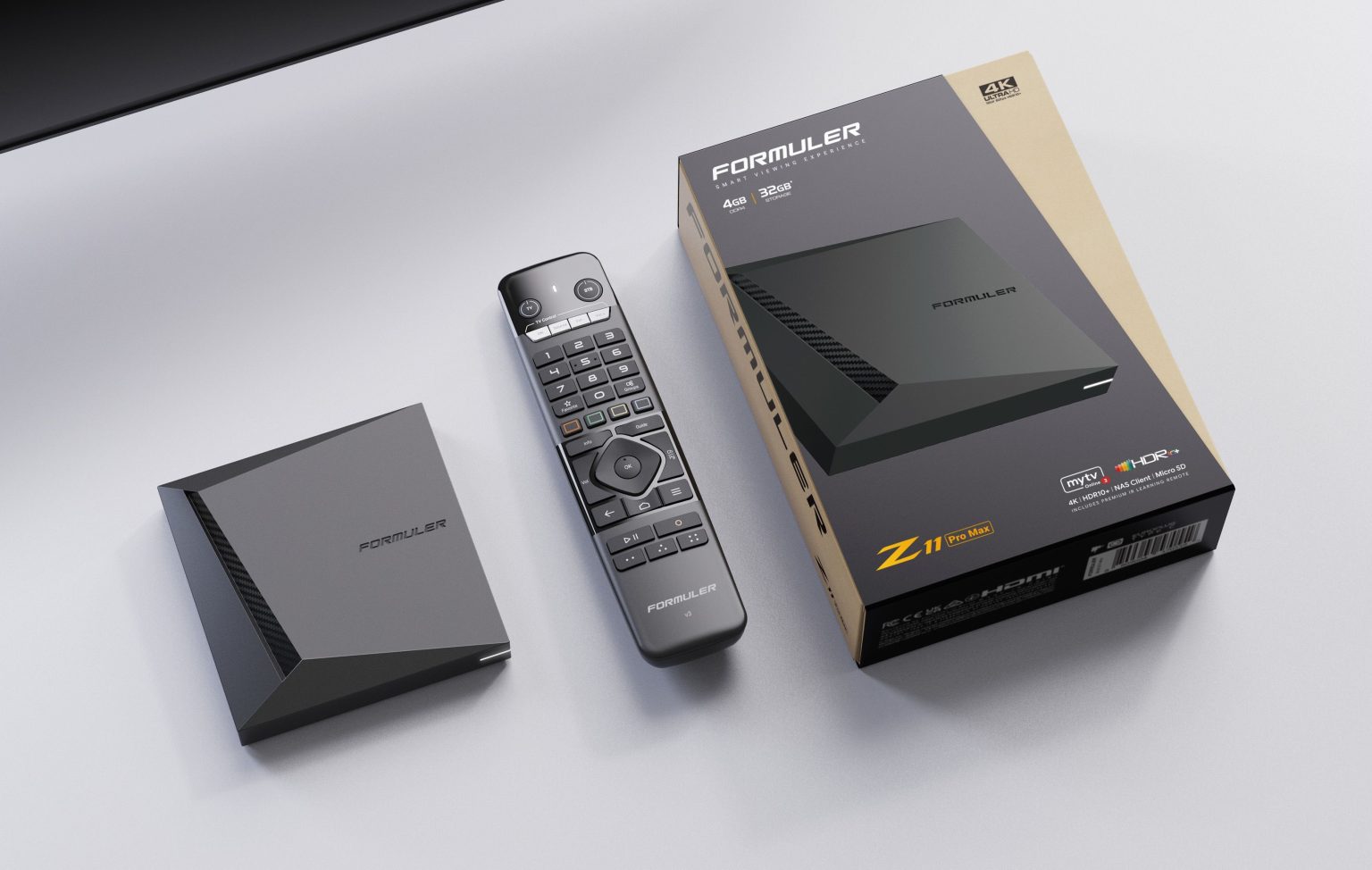
Formuler Z11 is one of the latest and most powerful IPTV set-top boxes, offering advanced features and improved performance compared to its predecessors like the Z8 and Z10. One of the key benefits of the Formuler Z series is its ability to support both MAC-based Portal systems and M3U-based playlists, making it compatible with a wide range of IPTV services.
In this guide by iptvhelpcenter.net, we’ll walk you through the step-by-step process of setting up IPTV on Formuler Z11 using the MyTVOnline 3 app.
🚀 What’s New in Formuler Z11?
Compared to the Formuler Z10, the Z11 brings several hardware and connectivity improvements:
| Feature | Formuler Z11 | Formuler Z10 |
|---|---|---|
| Processor | Quad-Core | Dual-Core |
| RAM | 2GB | 1GB |
| Storage | 16GB | 8GB |
| Wi-Fi | Dual-band | Single-band |
| Ethernet | Gigabit Ethernet | Fast Ethernet |
| HDR Support | ✅ Yes | ❌ No |
With these upgrades, Formuler Z11 ensures a smoother, faster IPTV experience and enhanced video quality.

📺 Setting Up IPTV on Formuler Z11 via MyTVOnline 3
🔔 Note: This tutorial applies to all Formuler models that support the MyTVOnline 3 app.
🆔 MAC Address Requirements
-
For Formuler Z11 (and newer): Use the default MAC ID (starts with
00:1E:B8:). -
For older models like Z7 or Z8, some IPTV providers may require a MAC address starting with
00:1A:79:.
Need help with older models? Learn how to set up Formuler Z7.
⚙️ Portal Setup (MAC-Based)
Follow these steps to connect via Portal system:
Open the MyTVOnline 3 app on your Formuler Z11.
Go to Menu > Content Manager > Source Manager.

Click “+ Add” → Select “Add Portal”.

-
You’ll see your device’s MAC ID. Click the eye icon to view the full address.
-
Send this MAC ID to your IPTV provider. They will add it to their system and give you a Portal URL.
-
Enter the Portal URL in the respective field.
-
Set “Login required” to OFF, then click “Connect”.
Your IPTV channels should begin loading.
🔗 M3U Playlist Setup (URL-Based)
If your IPTV provider uses the M3U system:
In the Source Manager, click “+ Add” → Select “Add M3U Playlist”.
Enter the M3U Playlist URL provided by your IPTV provider.

If your M3U includes VOD and EPG options, you don’t need to enter them separately — leave those fields blank.
Click “Connect” to finish.
The app will automatically load your live TV channels, movies, and EPG data.
✅ Final Step: Enjoy Your IPTV Experience!
Once connected, you can explore all your IPTV content right from the MyTVOnline 3 interface. Whether you’re using Portal or M3U, Formuler Z11 offers a premium experience for IPTV streaming with powerful performance and modern features.
For more IPTV tutorials and device guides, visit iptvhelpcenter.net — your trusted IPTV knowledge base.
