





How to Set Up IPTV on Wiseplay – Complete Guide for Seamless Streaming
🌟 Introduction to Wiseplay
Wiseplay is a free, multi-platform media player that supports various video formats and playlists, including M3U URLs. With its simple interface, you can easily stream local and remote content, plus cast to TV via Chromecast or DLNA.

📥 Download Wiseplay:
Get Wiseplay on Google Play
🔧 How to Add an M3U Playlist to Wiseplay
Step 1: Add a New Playlist
-
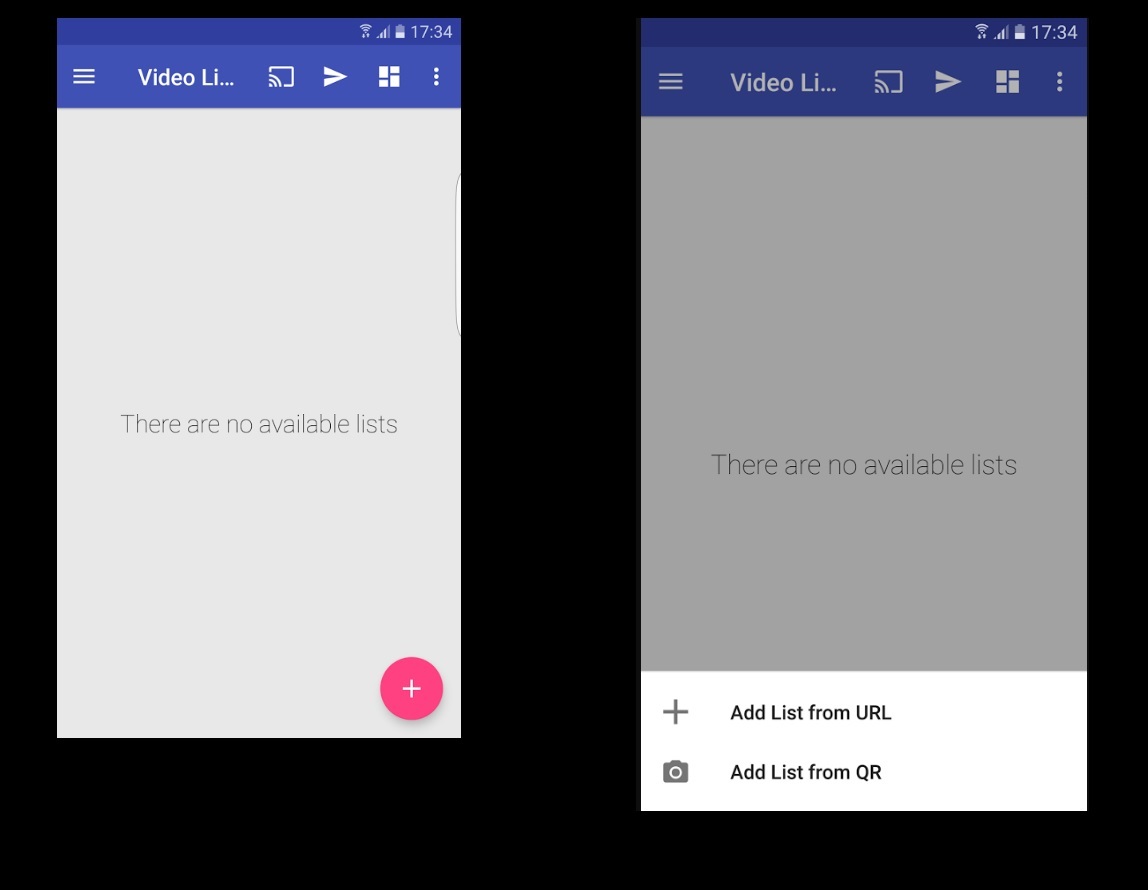
Open Wiseplay → Tap the pink circle (➕) at the bottom-right.
-
Select “Add List from URL”.
Step 2: Enter Your M3U URL
-
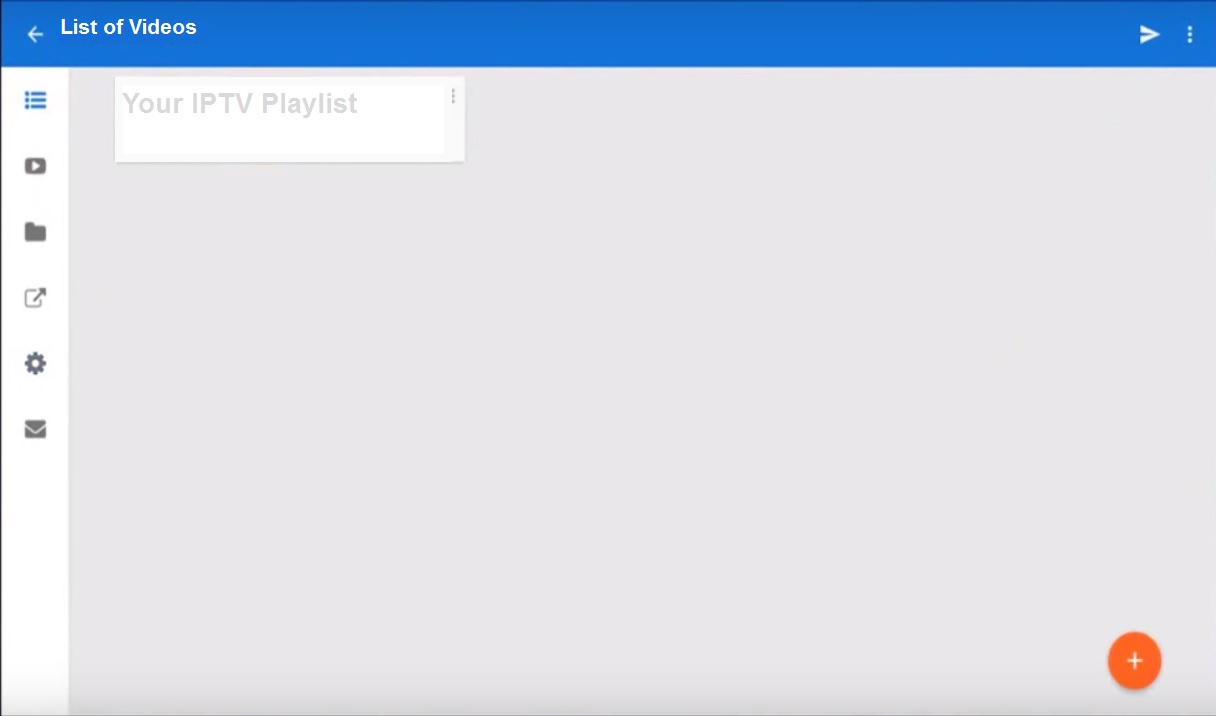
Paste your M3U playlist link.
-
Tap “OK” to load the channels.
Step 3: Start Streaming
-
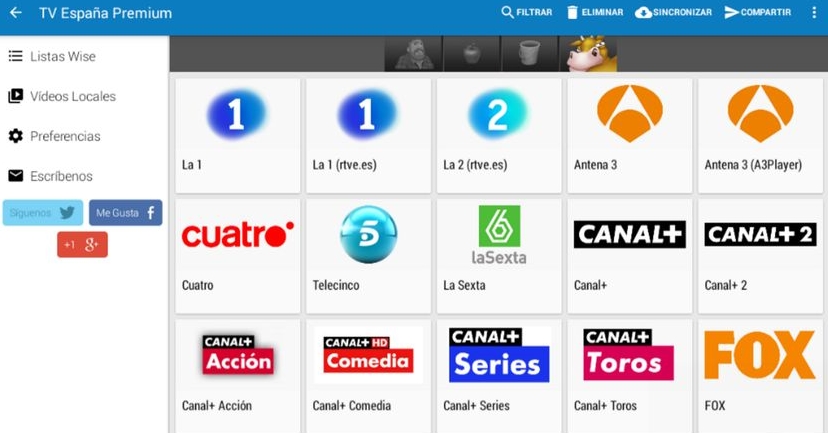
Select your playlist → Browse channel groups.
-
Enjoy your favorite IPTV content!
🚀 Key Features of Wiseplay
✅ M3U & W3U Playlist Support (file, URL, or QR code)
✅ Chromecast & DLNA Casting for big-screen viewing
✅ Android TV-Optimized for seamless navigation
✅ VR Player Mode (3D & Virtual Reality support)
✅ Cinema Mode for an immersive viewing experience
💬 We’d Love to Hear From You!
Have questions or feedback? Share your thoughts in the comments! Your input helps us improve. 💬👇
Developed by iptvhelpcenter.net
