





How to Set Up IPTV Smarters Pro: Step-by-Step Guide
IPTV Smarters Pro is a versatile and user-friendly app for streaming Live TV, VOD, Series, Catch-up, and Multi-Screen on Android, iOS, Smart TVs, Firestick, and more. Unlike many apps, it supports Catch-up TV, a feature once exclusive to MAG boxes.
📱 Supported Devices
-
Android & iOS smartphones
-
Smart TVs (Samsung, LG)
-
Android Boxes / Apple TV
-
Windows & Mac
-
Amazon Firestick
🔗 Where to Download IPTV Smarters Pro?
The safest source is the official IPTV Smarters website. Direct links:
-
Android (APK): Download Here
-
iOS (Apple Store): Download Here
-
Windows (EXE): Download Here
-
Mac (DMG): Download Here
-
Firestick: Enable “Unknown Sources” and install via Downloader app.
(Note: The app is currently unavailable on Google Play Store.)
⚙️ How to Set Up IPTV Smarters Pro
Method 1: Xtream Codes API (Recommended ✅)
-
Install the app and open it.
-
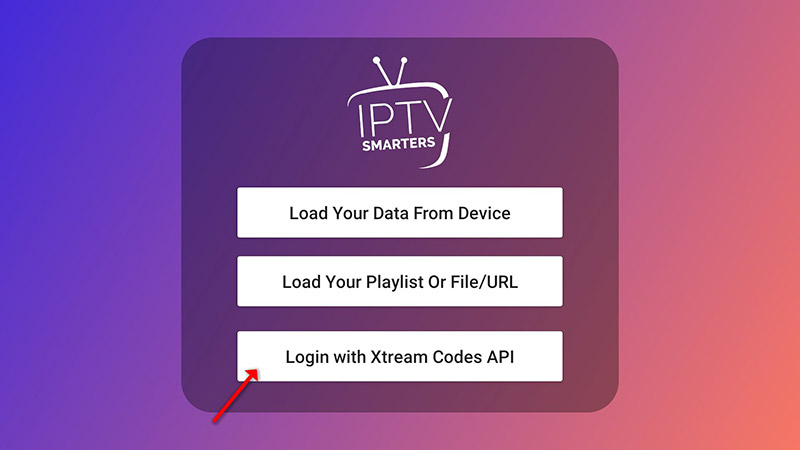
Click “Add User” → “Login with Xtream Codes API”.
-
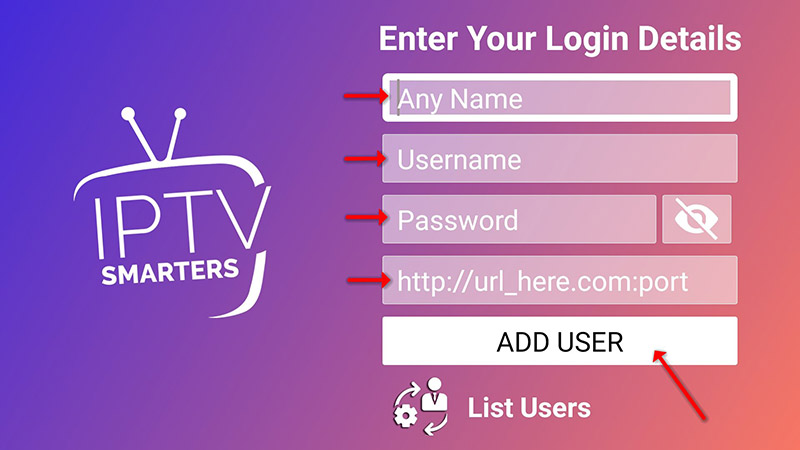
Enter:
-
Name (e.g., “My IPTV”)
-
Username & Password (from your M3U line)
-
Server URL (provided by your IPTV provider)
-
-
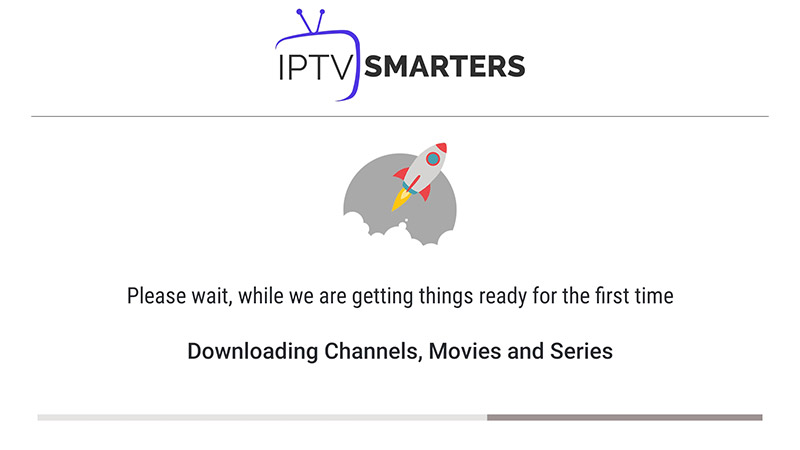
Click “Add User” and wait for loading.
-
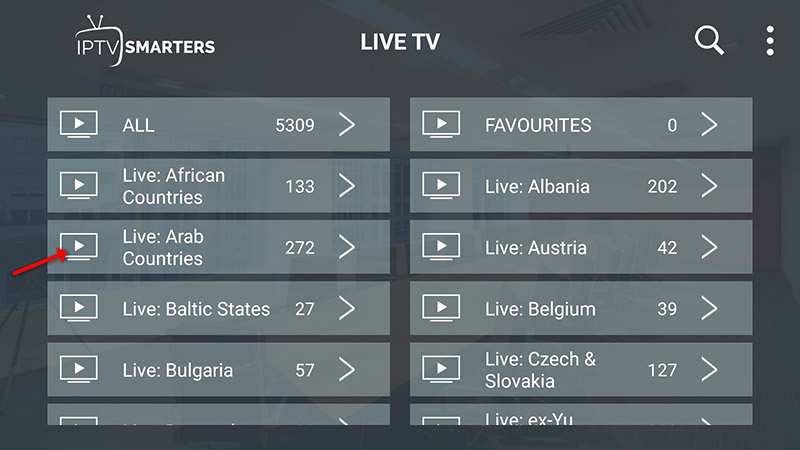
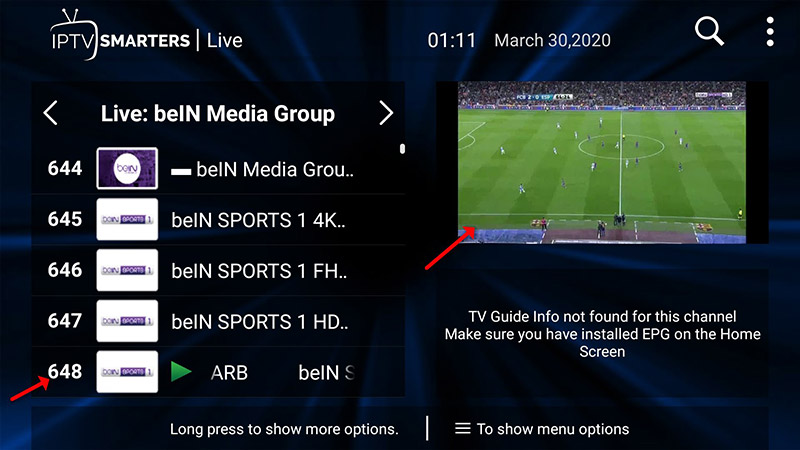
Open “Live TV”, select a channel group, and enjoy!
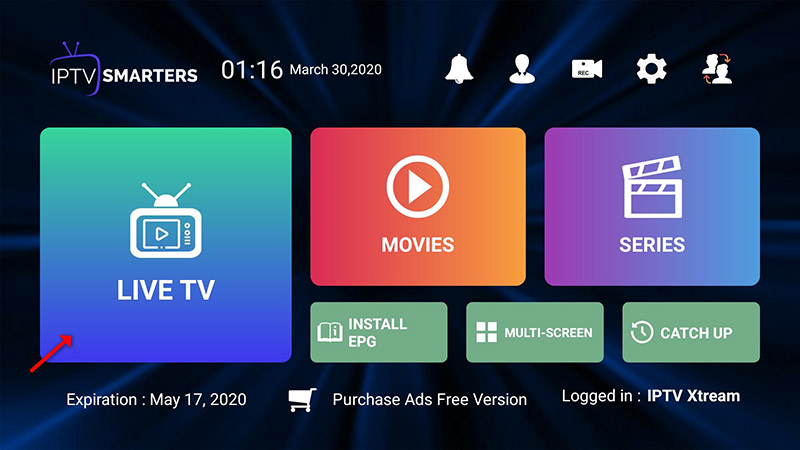
(Catch-up works automatically—no EPG URL needed!)

Method 2: M3U Playlist
-
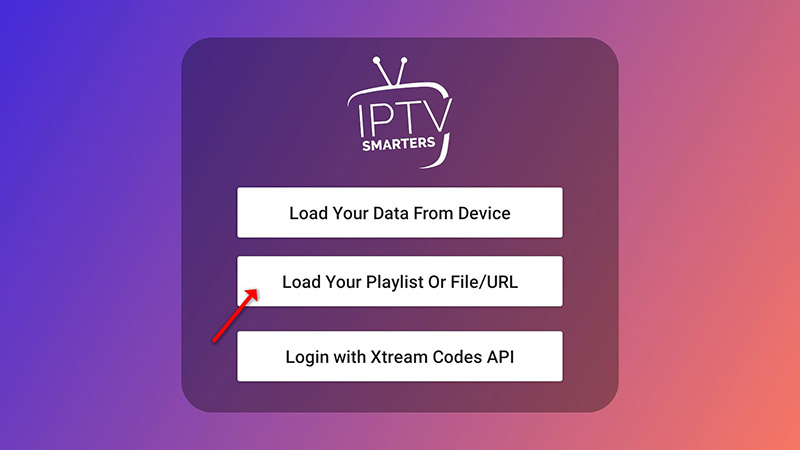
Open the app → “Add User” → “Login with Playlist”.
-
Enter a name and paste your M3U URL.
-
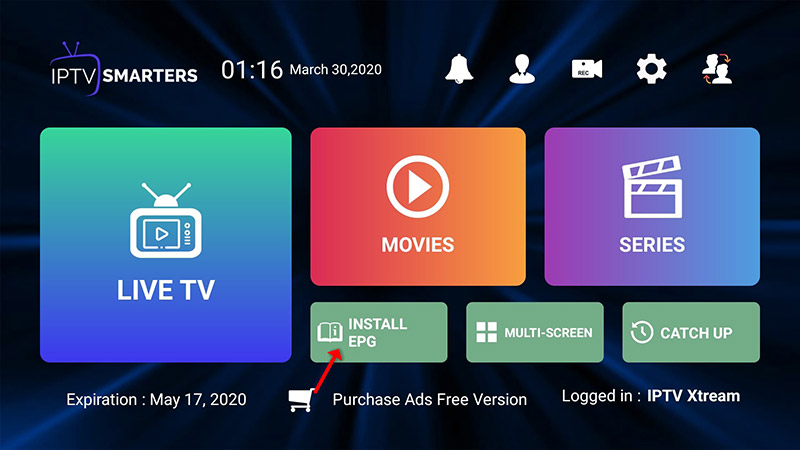
Add EPG URL (if required).

-
Access channels via “Live TV”.
🌟 Key Features of IPTV Smarters Pro
✔️ Live TV, Movies, Series, Catch-up
✔️ Multi-screen (up to 4 channels)
✔️ Parental Controls & EPG Support
✔️ Recording & External Player Support
✔️ Dynamic Language Switching
💬 We’d love to hear from you!
If you have questions or feedback, share your thoughts below. Your suggestions help us improve! 💬👇
Developed by iptvhelpcenter.net
