





How to?
How to Set Date & Time on MAG Device: Quick Fix for EPG Accuracy
Proper date and time settings on your MAG device ensure accurate EPG (Electronic Program Guide) display. Follow these simple steps to sync your device with the correct time zone.
🔧 Step-by-Step Guide
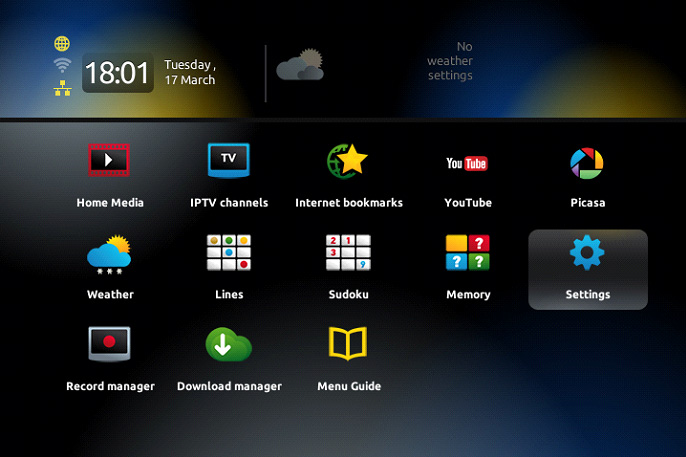
1️⃣ Access Settings Menu
-
Press OK on your remote to open the channel list.
-
Press Exit (button near the navigation arrows).
2️⃣ Navigate to Localization
-
Go to Settings → OK.
-
Select Localization (time settings).
3️⃣ Sync with NTP Server
-
Under Servers, enter:
pool.ntp.org -
Changes apply automatically within 24 hours.
💡 Why This Matters
-
Correct time = accurate TV schedules (EPG).
-
Prevents recording/streaming issues.
💬 We’d Love to Hear From You!
Questions or feedback? Let us know in the comments! Your input helps us improve. 💬👇
Developed by iptvhelpcenter.net
