





What is a Kodi Addon?
A Kodi Addon is essentially a plug-in that extends the functionality of Kodi, turning it into a powerful media center. These add-ons can be used to stream movies, TV shows, live TV, sports events, and much more, making Kodi one of the best platforms for online streaming.
Kodi has an official repository for add-ons, but there are also many third-party sources that offer additional add-ons, broadening the possibilities even further. You can find thousands of add-ons that allow you to access various types of content directly through Kodi.
Key Features of Kodi Addons:
-
Wide Variety of Content: Kodi add-ons give you access to movies, TV shows, live sports, and IPTV streams.
-
Constant Updates: Add-ons are regularly updated and new ones are developed to improve Kodi’s streaming capabilities.
-
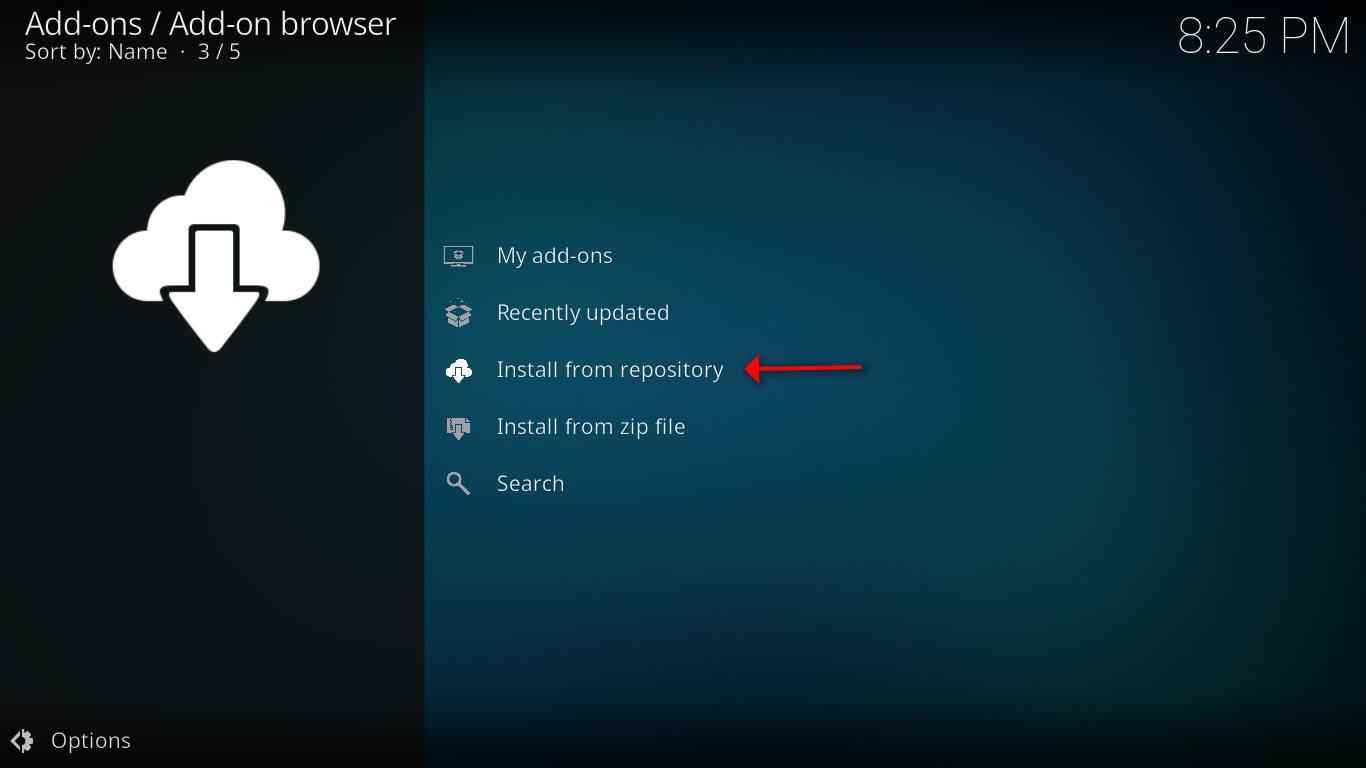
Easy Installation: Most add-ons are in a .zip format and can be installed directly through Kodi’s settings.
Kodi Repository and Wizards 🔄
-
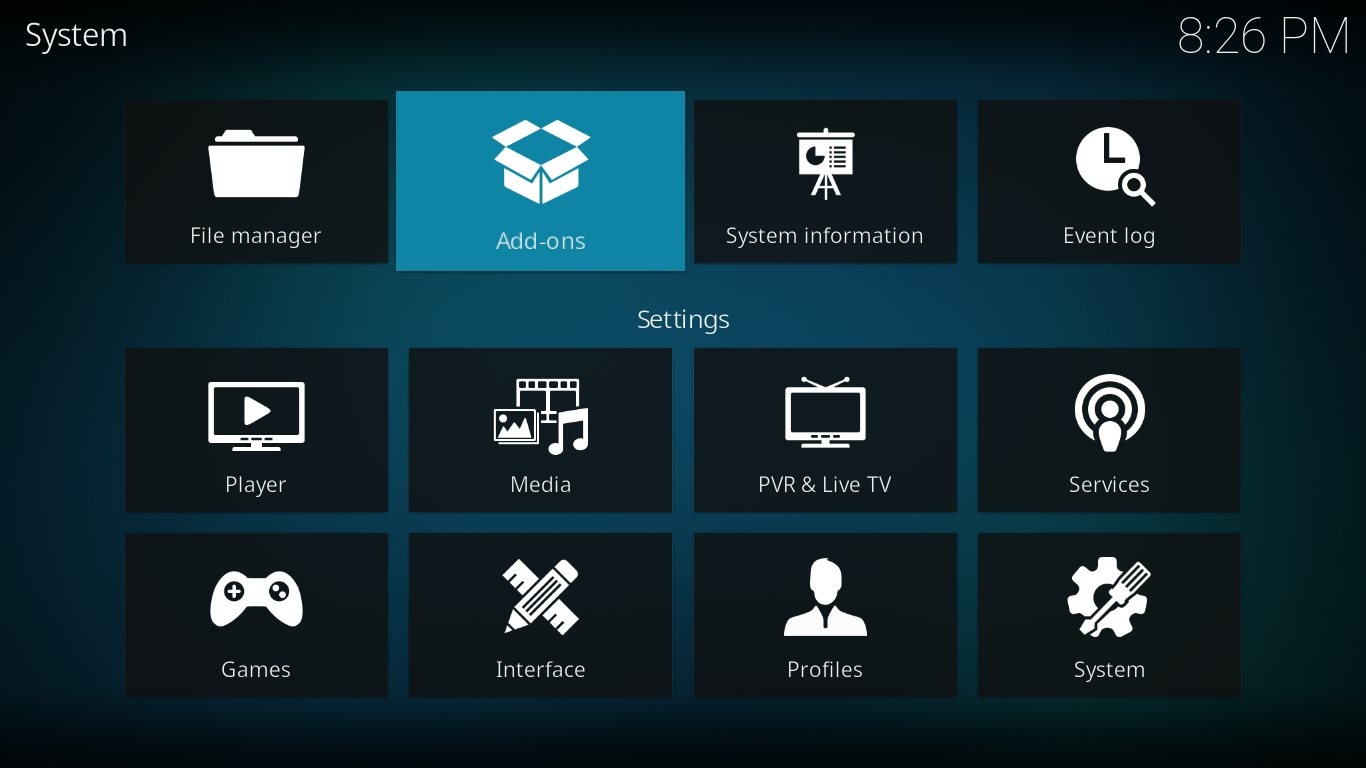
Kodi Repository: A Kodi repository (or repo) is a collection of add-ons organized into different categories. Repositories are convenient because they allow you to install multiple add-ons at once and receive regular updates. You can explore Kodi’s official repository here.
-
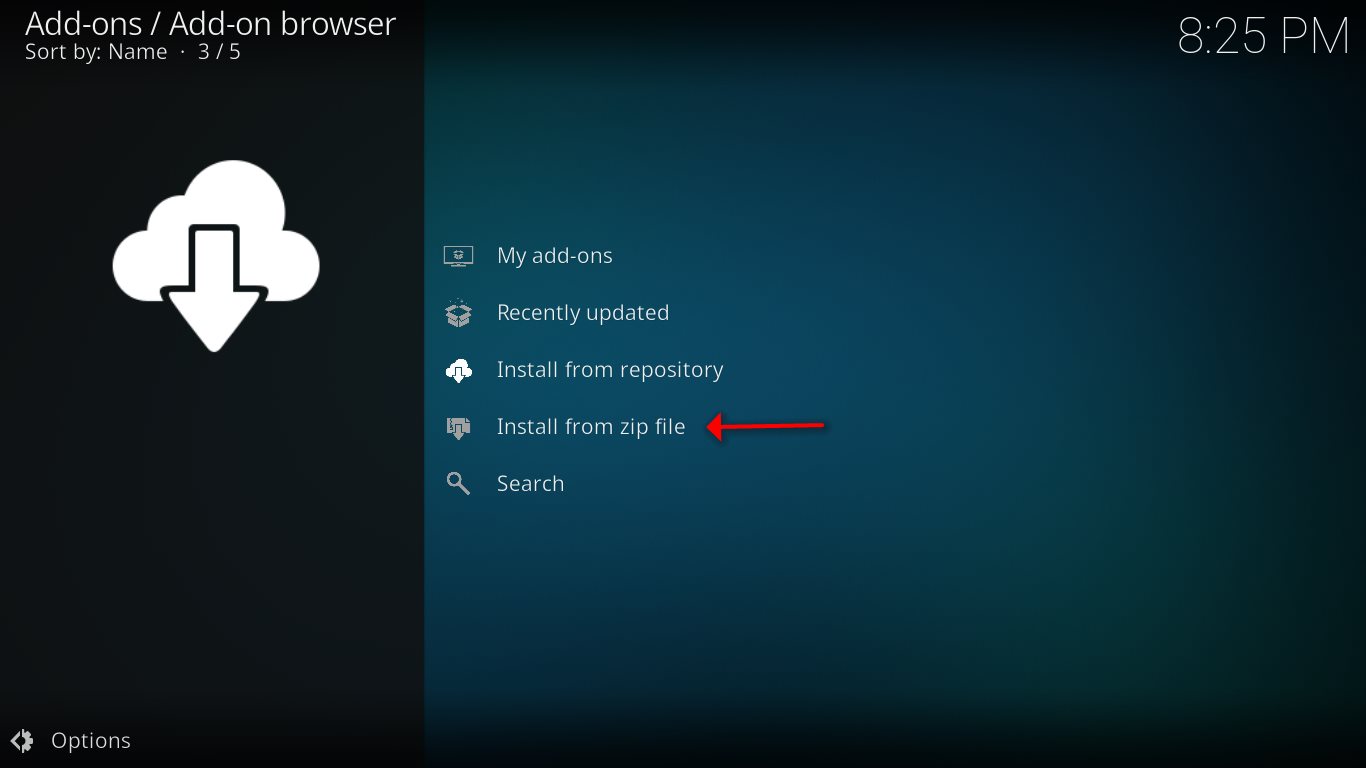
Kodi Wizards: A Kodi wizard is a tool that bundles several add-ons and features into one package. It may also help with performance issues, such as buffering, and assist with device maintenance. Wizards can be installed via .zip files in Kodi’s settings.
Popular Kodi Addons 📡
-
ARES Wizard: This add-on helps improve performance, resolve buffering issues, and allows for backup and factory reset options.
-
IPTV Simple Client: A basic PVR add-on that streams live IPTV channels, provides EPG (Electronic Program Guide), and supports m3u lists.
Conclusion 💡
Kodi add-ons enhance your media experience by offering a vast array of streaming options. With continuous updates and a variety of repositories and wizards, you can easily customize Kodi to suit your needs. If you know of any great Kodi add-ons that we haven’t mentioned, feel free to share them in the comments!
We’d love to hear from you! If you have any questions about this tutorial or feedback about our website, feel free to share your thoughts in the comments. Your suggestions and opinions help us improve and serve you better. 💬👇
Developed by iptvhelpcenter.net
