





How to Stream IPTV on PS4 Using Plex: The Complete Guide
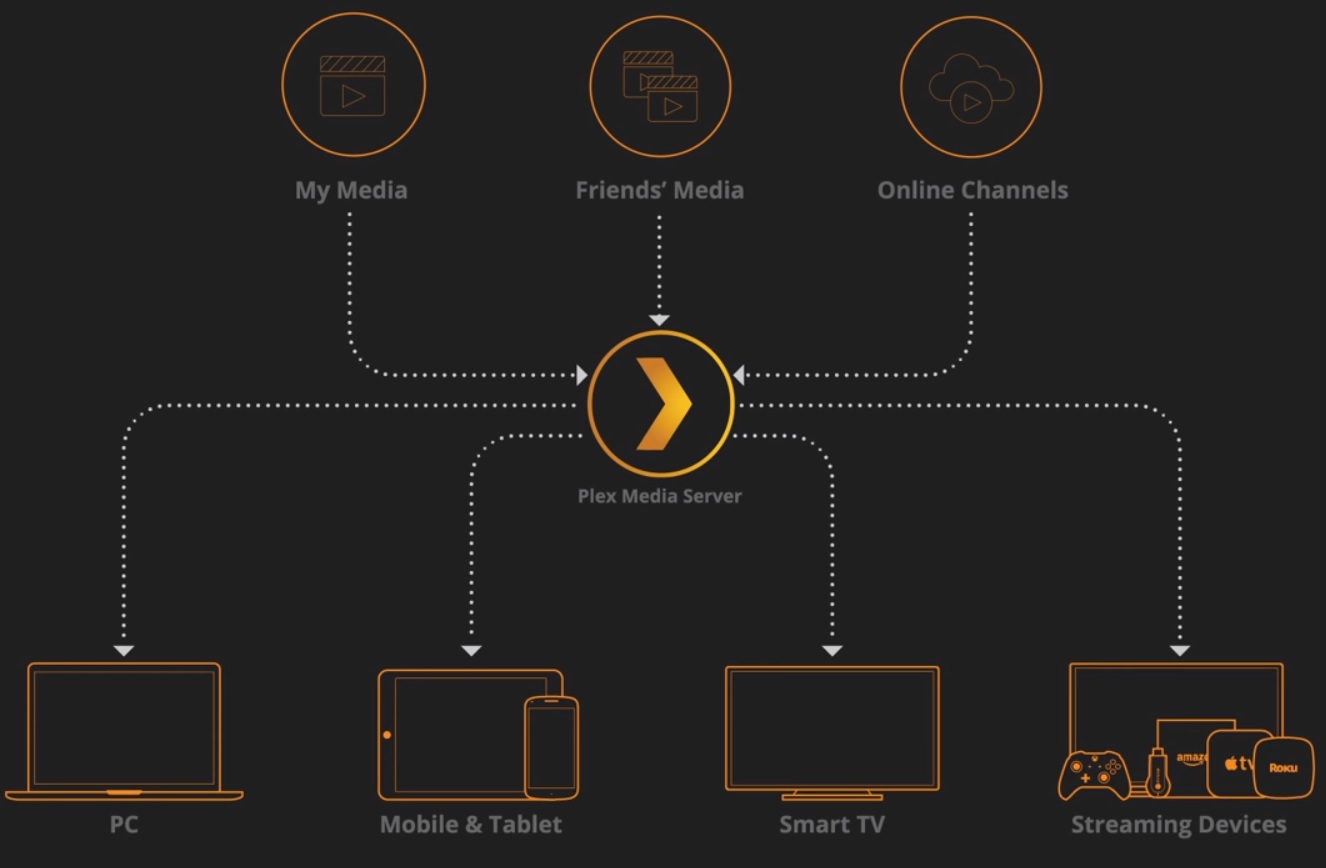
🌐 What You’ll Need
-
Plex Media Server installed on Windows PC
-
PS4 with Plex app
-
IPTV M3U playlist from your provider
-
Notepad++ (for editing config files)

⚡ Quick Setup Guide (5 Steps)
1. Install Plex Components
-
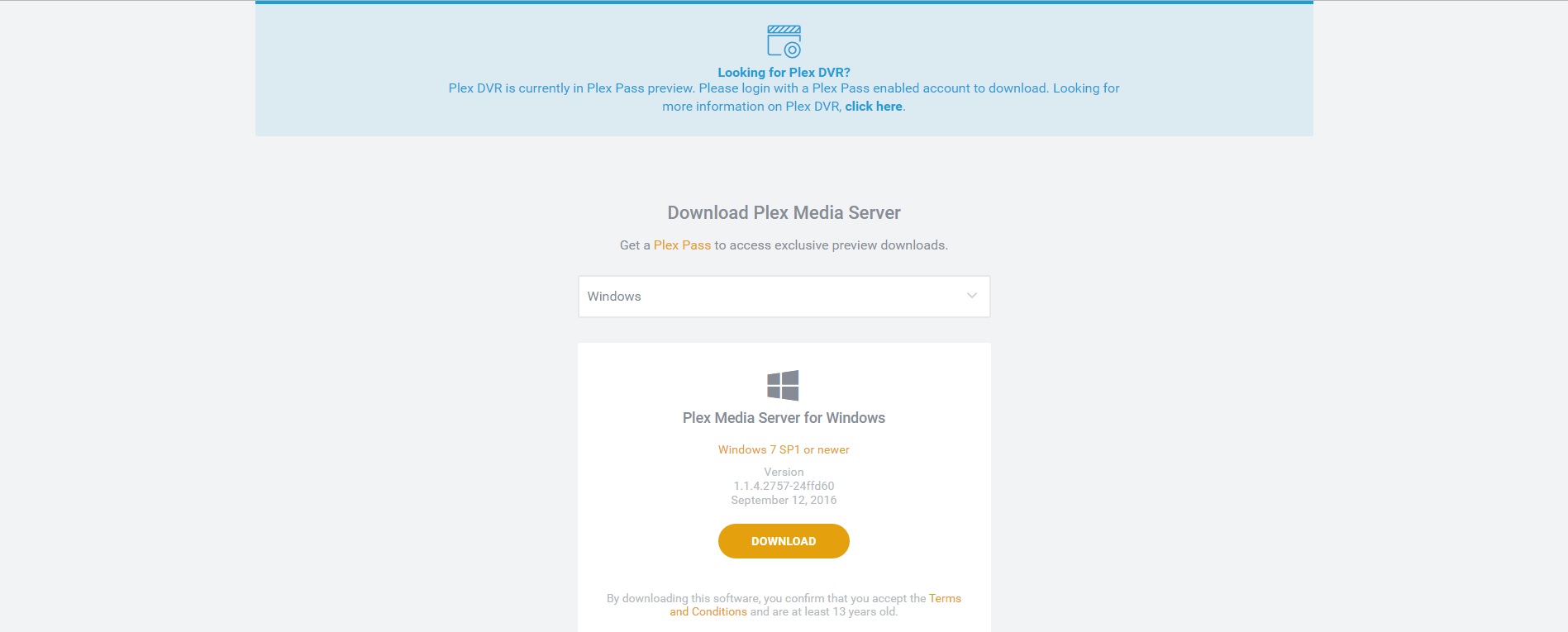
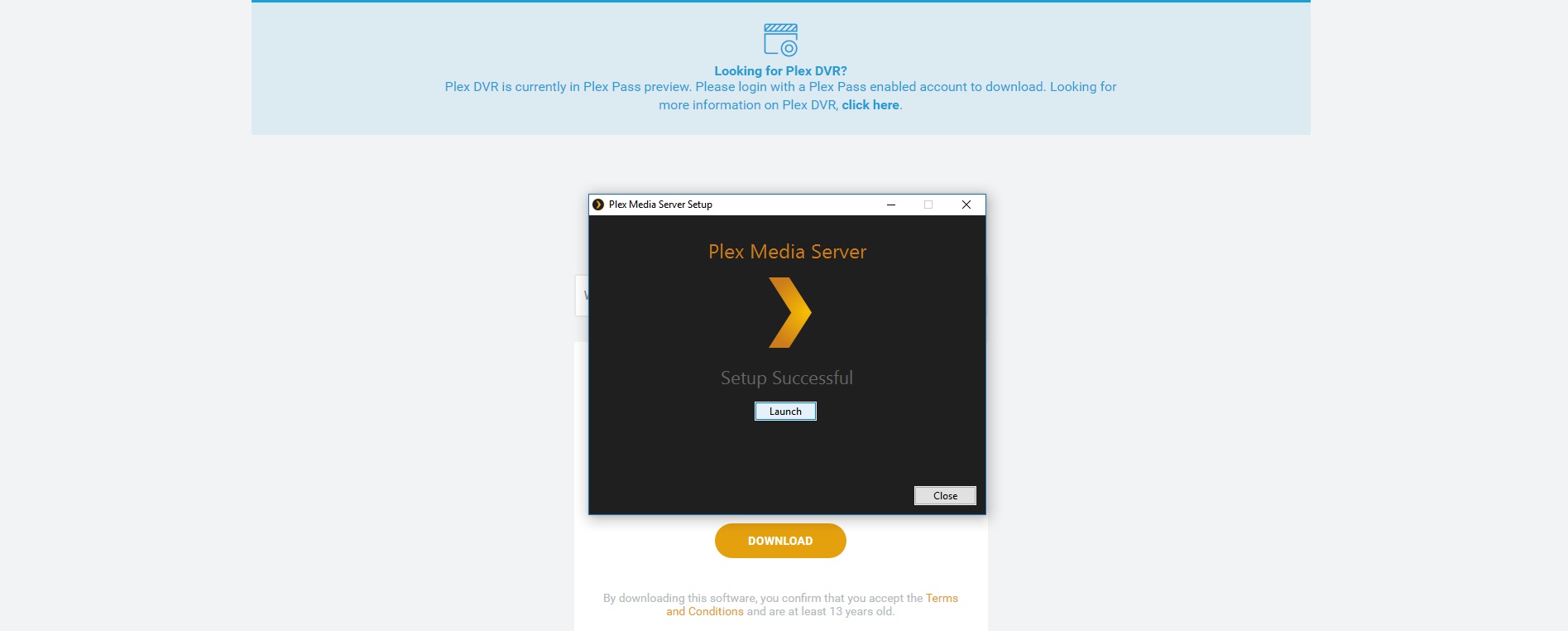
Create Plex account & download Media Server

2. Configure IPTV Plugin
-
Extract plugin to:
C:\Users\[Username]\AppData\Local\Plex Media Server\Plug-ins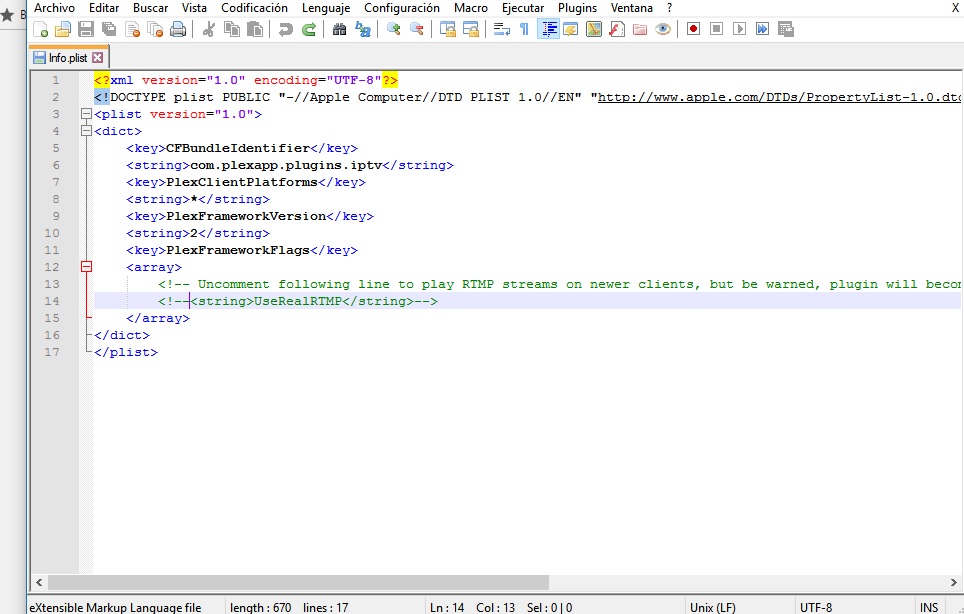
-
Edit
info.plistwith Notepad++:
Uncomment<string>UseRealRTMP</string>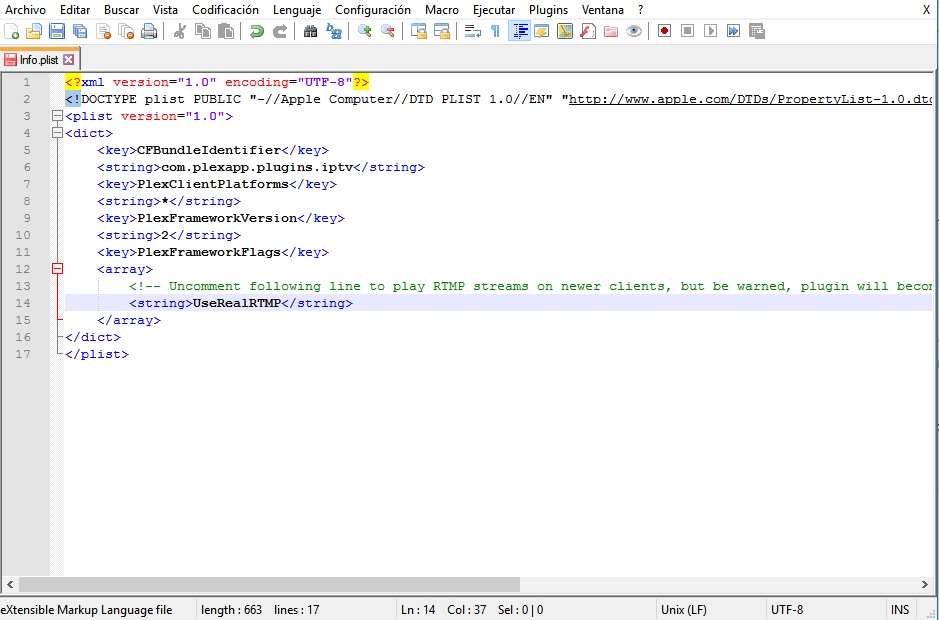
-
Replace default M3U with your playlist in
resourcesfolder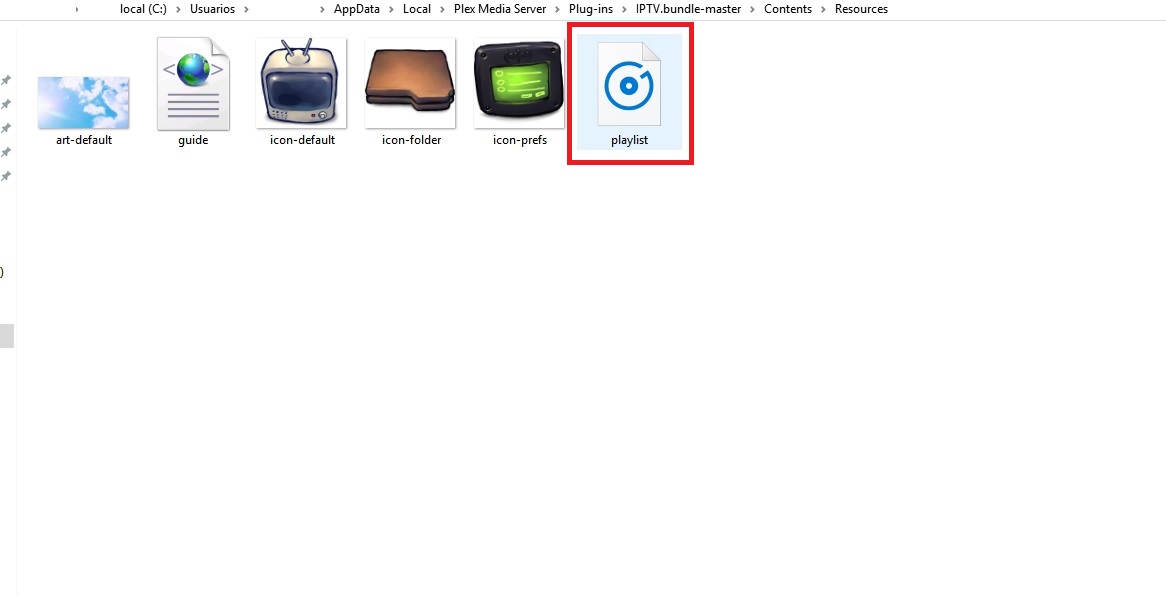
3. PS4 Setup
-
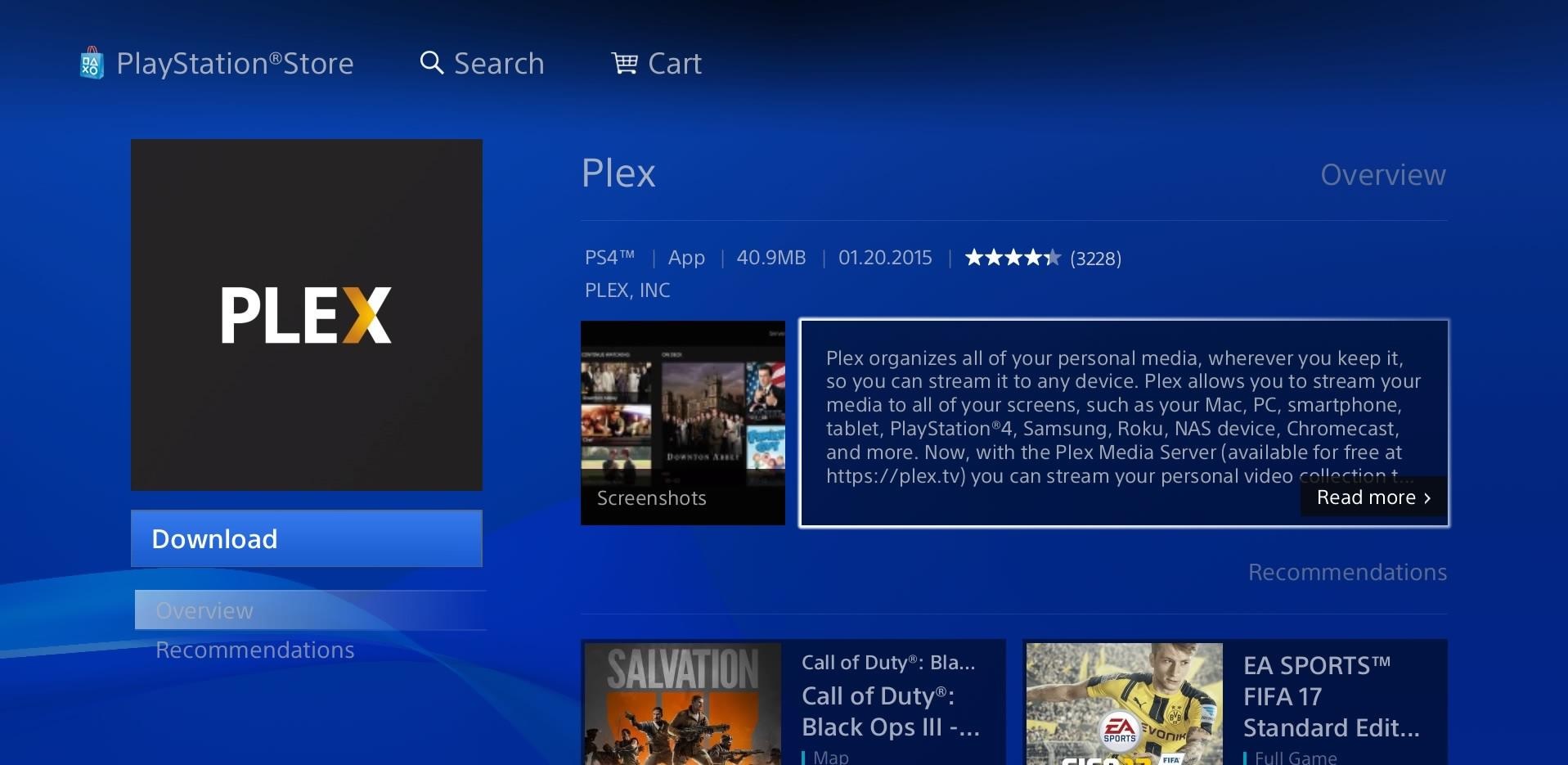
Install Plex app from PlayStation Store
-
Link device via plex.tv/link

4. Start Streaming
-
Keep Plex Server running on PC
-
Access channels through PS4 Plex app
💡 Pro Tips
✔ Always restart Plex after playlist updates
✔ Use wired connection for stable 4K streaming
✔ Access channels on mobile via same Plex server
💬 We’d love to hear from you! Having trouble with Plex IPTV? Ask below! 💬👇
Developed by iptvhelpcenter.net
