





How to Control Kodi Remotely with Your Phone?
Kodi is a popular media player that allows IPTV users to stream thousands of live TV channels on devices like Android set-top boxes, smartphones, Xbox One, personal computers, and Raspberry Pi. One of the most convenient features Kodi offers is remote control, and you can control Kodi from your phone with the help of the Kore Remote app.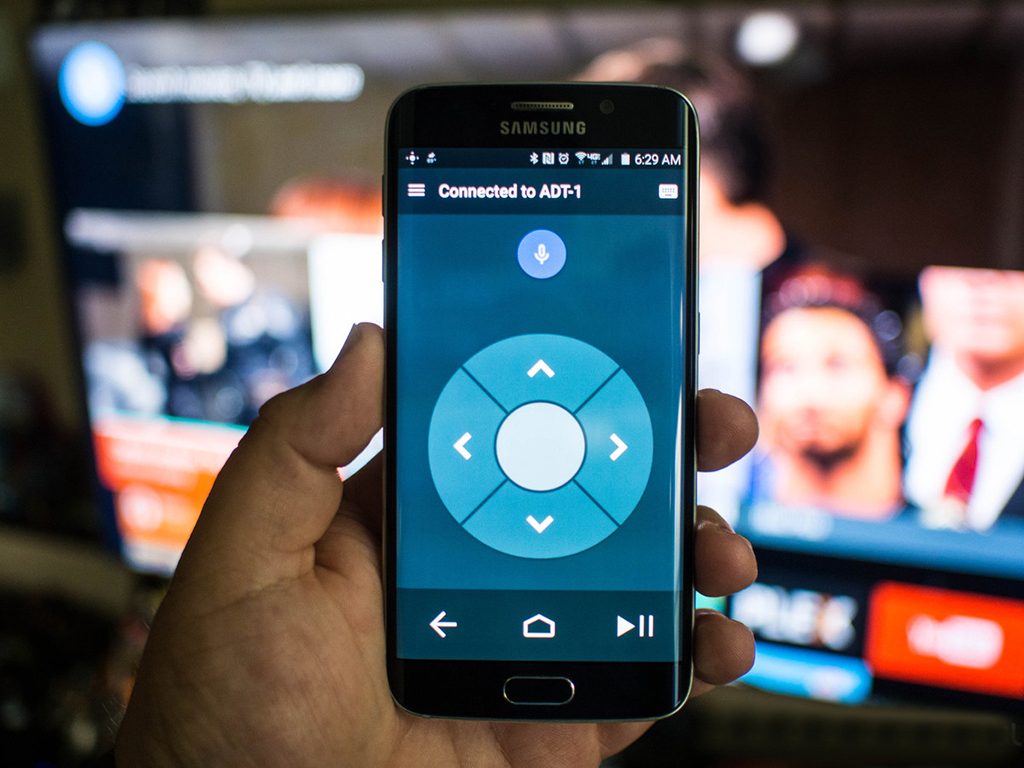
Kore: The Official Kodi Remote Control App 📲
The Kore Remote app is the official remote control for Kodi. It transforms your smartphone, tablet, or iPad into a full-featured remote for controlling your Kodi media center.
Key Features:
-
Simple Remote Control: Easily command your Kodi media center.
-
Customizable Themes: Choose from various color themes.
-
EPG (Electronic Program Guide): View live TV schedules and related details such as movies, TV shows, music, and more.
-
Subtitles Management: Switch or sync subtitles.
-
Audio Stream Control: Choose preferred audio streams.
-
Live TV Control: Switch to live TV channels and start recording with your PVR/DVR setup.
-
Power Control: Supports Wake-on-LAN and other power actions for your devices.
How to Download the Kore App 📥
You can easily download the Kore app on Android and iOS:
-
Android: Download Kore for Android
Conclusion 💡
With the Kore Remote app, controlling Kodi from your phone is a breeze. Whether you want to change channels, adjust subtitles, or even manage live TV recordings, Kore makes it simple and convenient.
We’d love to hear from you! If you have any questions about this tutorial or feedback about our website, feel free to share your thoughts in the comments. Your suggestions and opinions help us improve and serve you better. 💬👇
Developed by iptvhelpcenter.net
